31
Vasa SwimErg User’s Manual
August 2022
PART 2 - Using the SwimErg
POWER METER - SUMMARY OF FUNCTIONS
AUTO START: As soon as you pull on the drive cords, the power meter will automatically
turn on and begin monitoring your performance. It will automatically enter Basic Mode >
Pace (see chart below). You can reset the power meter using the ON/OFF button.
VIEWING OPTIONS: SWIM VS. KAYAK/SUP(P.20): SWIM VIEW is the default viewing mode. If you are in KAYAK/
SUPVIEWtherewillbea“K”intheupperleftcornerofthetopscreen.NonotationisdisplayedwhileinSWIMVIEW.
If you wish to change to the KAYAK/SUP VIEW follow the steps listed on page 20.
*PLEASE NOTE: Pace is relevant to the view: SWIM VIEW= pace/100M while KAYAK/SUP VIEW= pace/500M.
BASIC MODE (p. 22): Basic Mode has three sub-displays: PACE*, POWER, and CALORIES. Choose sub-modes by
pressingthe“Display”button.
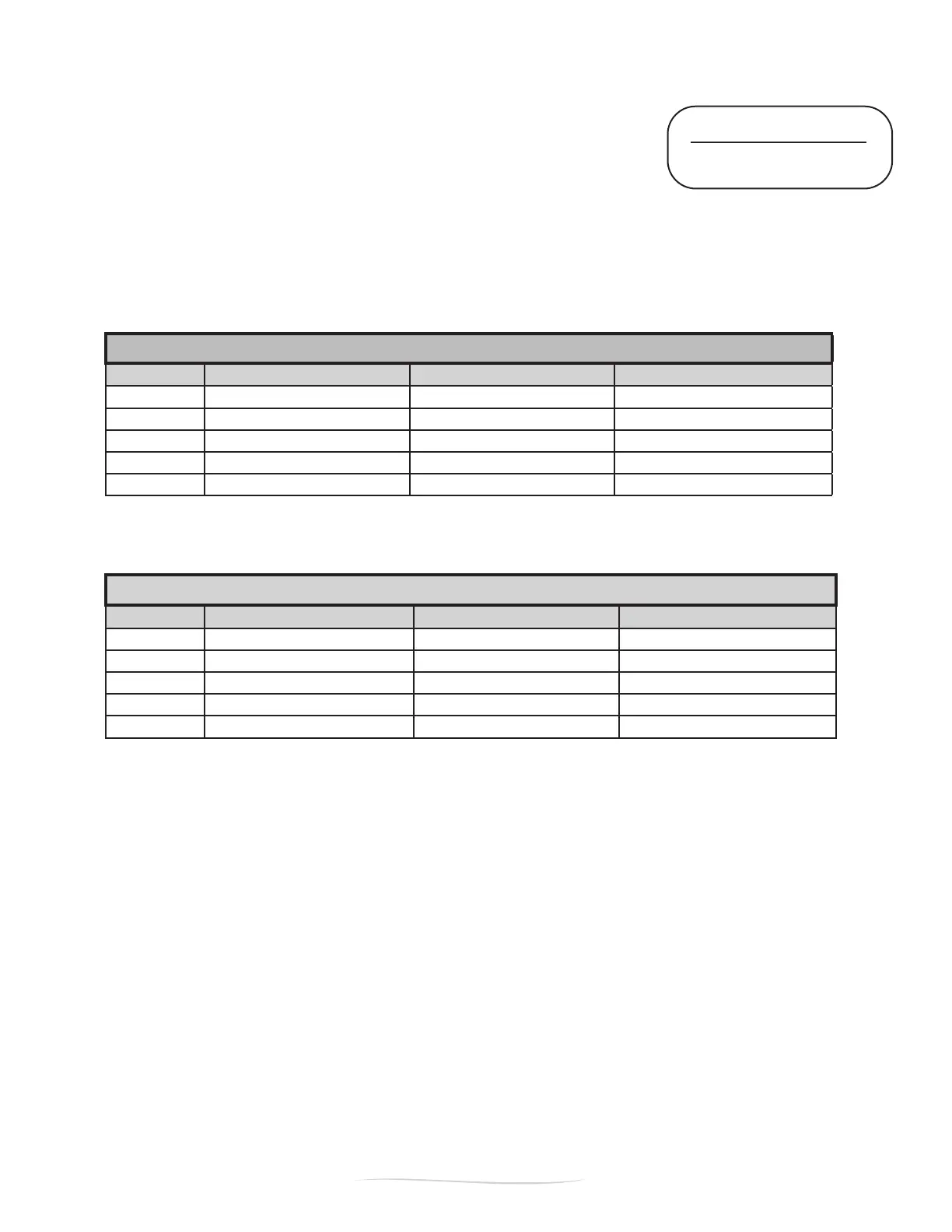
VM Field:
BASIC > PACE BASIC > POWER BASIC > CALORIE
TOP
ELAPSED TIME since start ELAPSED TIME since start ELAPSED TIME since start
SECOND
TOTAL METERS since start AVE POWER since start TOTAL CALORIES since start
THIRD
PACE /100M* for last stroke PACE / 100M* for last stroke AVG CAL / HOUR for last stroke
BOTTOM Right
POWER (watts) for last stroke POWER (watts) for last stroke POWER (watts) for last stroke
BOTTOM Left
STROKE RATE in strokes / min STROKE RATE in strokes / min STROKE RATE in strokes / min
STROKE MODE (p. 24): TogetintoSTROKEMODE,pressandholdtheblue“Shift”button,thenpressandrelease
the“DownArrow”button.StrokeModehasthreesub-displays:AVERAGE POWER, AVERAGE FORCE, and MAXIMUM
FORCE.Choosesub-modesbypressingthe“Display”button.
STROKE MODE
VM Field:
STROKE > AVG POWER STROKE > AVG FORCE STROKE > MAX FORCE
TOP
ELAPSED TIME since start ELAPSED TIME since start ELAPSED TIME since start
SECOND
STROKE RATE in strokes / min STROKE RATE in strokes / min STROKE RATE in strokes / min
THIRD
AVE POWER (watts) for last stroke AVE POWER (watts) for last stroke AVE POWER (watts) for last stroke
BOTTOM Right
AVG POWER (watts) - right side AVG FORCE for right side MAX FORCE for right side
BOTTOM Left
AVG POWER (watts) - left side AVG FORCE for left side MAX FORCE for left side
INTERVAL TRAINING (p. 26): Topre-setadesireddistance,time,andrestintervalpushthe“SETUP”button(you
mustbeinBASICMODE).Pressing“DISPLAY”willtogglebetweenDISTANCE,RESTTIMEfordistanceintervals,
TIME,andRESTTIMEfortimeintervals.Usethearrowstochangetheashingnumber.Onceyouhavesetthe
desiredworkoutpress“SETUP”toexit.
SETTING SPLIT TIMES / DISTANCE (p. 29): Default split times are pre-set at 50m and 30 sec. If want to change
thedefaults,press“SETUP”then“REVIEW”(FigureC).Usethearrowbuttonstochangethedefaults.Press
“DISPLAY”totogglebetweenDISTANCE splits and TIME splits.
WORKOUT REVIEW (p. 29): The power meter contains a workout review feature that will store up to 20 splits.
After you complete your workout, the Power Meter will freeze. To review the information for each split, press the
“REVIEW”button.Then,torevieweachsplit,presstheUPandDOWNarrows.
RE-ZERO POWER METER (p. 31): RE-ZERO the power meter if the connection cables have been disconnected for
any reason. Connect cables, turn POWER OFF and wait for two seconds. Turn POWER ON (do not pull on cords).
Power back OFF and wait for two seconds. Complete and ready for use.
IMPORTANT: PLEASE
REMOVE THE BATTERIES
from the power meter if it will
not be used for 3+ months.


 To Next Page
 Loading...