38 August 2022
Vasa SwimErg User’s Manual
PART 3 - Maintenance & Troubleshooting
TROUBLESHOOTING
This section contains information for solving potential problems that may arise. Symptoms are listed with
suggested remedies.
If you still can not correct the problem after you consult the following pages, please contact our Technical
Service Department at info@vasatrainer.com or 1-802-872-7101 (Monday - Friday, 9am-5pm EST). Please have
acopyof“GettingtoknowyourVasaSWIMERG”(page73)infrontofyouandtheErgnearbywiththefront
cover removed (if relevant to your problem).
POWER METER
SYMPTOM: The Power Meter is losing data or “zeros out” in the middle of a workout.
Remedy: If the Power Meter senses inactivity for more than 10 seconds while in the default BASIC MODE, it
will display your workout summary. When the cords are pulled after the summary, a new workout will begin
counting up from zero. To avoid this, use the preset workout function (pg. 32). If you set
up a pre-determined time or distance workout, you can stop for any length of time (less
than 5 minutes) without losing your workout data. Keep in mind that the Power Meter will
continue counting time, but the data will not be RESET with only a few seconds or few
minutes of idle movement. It will automatically power down after 5 minutes of inactivity.
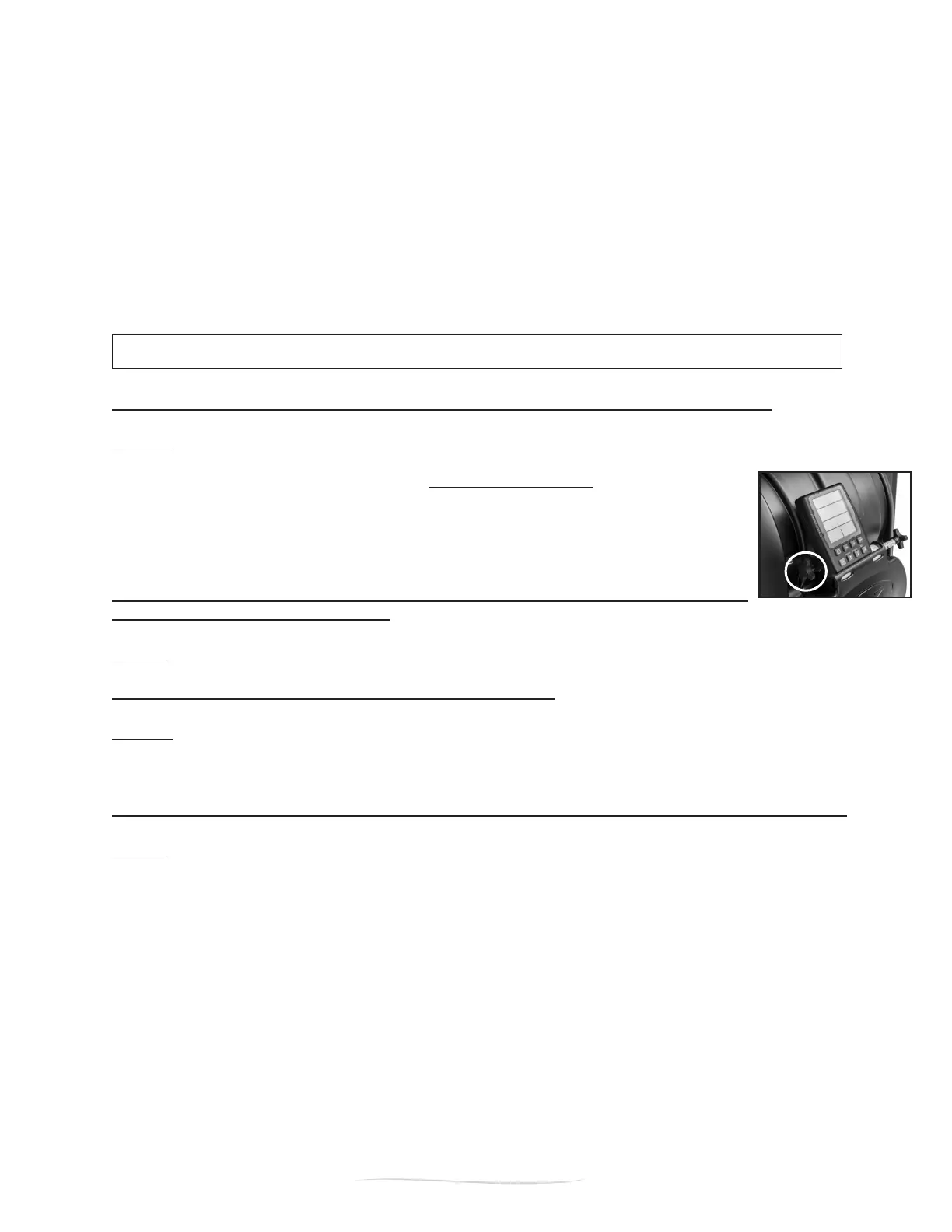
SYMPTOM: The Power Meter is unsteady (moving or changing position) during a
workout, making it difcult to read.
Remedy: Adjust the Power Meter to desired angle and tighten the mounting knob (pg. 11).
SYMPTOM: The Power Meter turns on randomly by itself.
Remedy: The Power Meter must be connected to the connection cables to function properly. If the Power
Meter is not in use and has been removed from the front end (no cables connected), it is recommended to
remove one or both of the AA batteries. This will prevent the batteries from losing power.
SYMPTOM: The Power Meter is displaying erratic data (i.e. excessive high or low watts, etc.).
Remedy: (1) Be certain the cables are connected properly (Right=Red port/Left=Black port) and fully inserted
into the port for a solid connection. Next RESET the Power Meter by powering off (push the ON/OFF button).
Turn back on using the ON/OFF button. The Power Meter has now been RESET to communicate to the internal
Load Cells;
If neither remedy resolve your erratic readings, please contact Vasa for assistance.


 To Next Page