2. Getting Started
Green X (PHT-75CHS) User Manual 13
English
2.2.1 Creating a New Patient Record
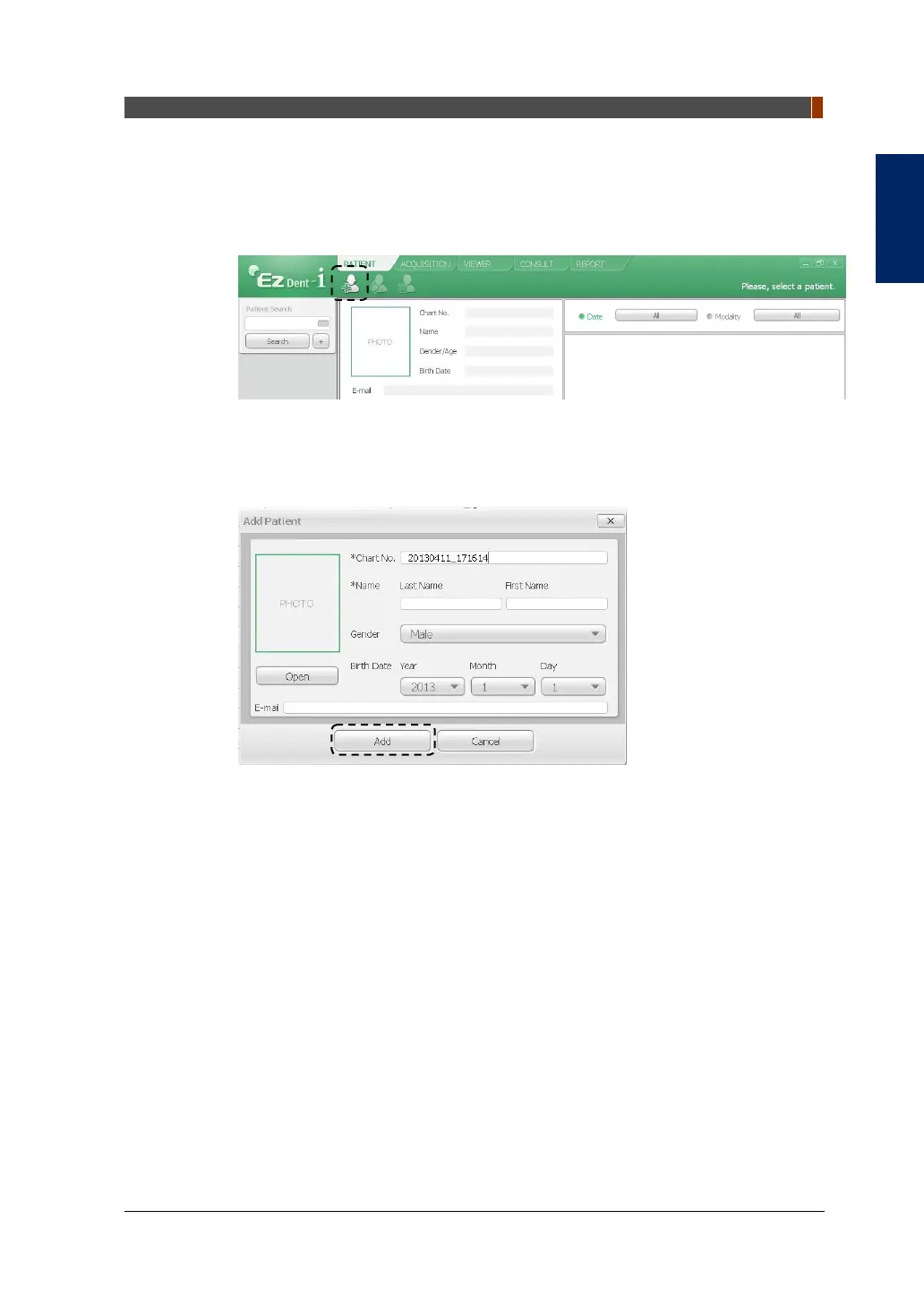
To create a new patient record, follow the procedure outlined below:
1. Click the PATIENT tab and click the Add Patient icon from the main GUI window.
2. Enter the required patient information. Chart Number, E-Mail address, First
Name, and Last Name are required fields that must be filled in. (The Chart
Number is filled in automatically.)
3. Click the Add button to save the patient record.



 To Next Page