3. Acquiring PANO Images
20 Green X (PHT-75CHS) User Manual
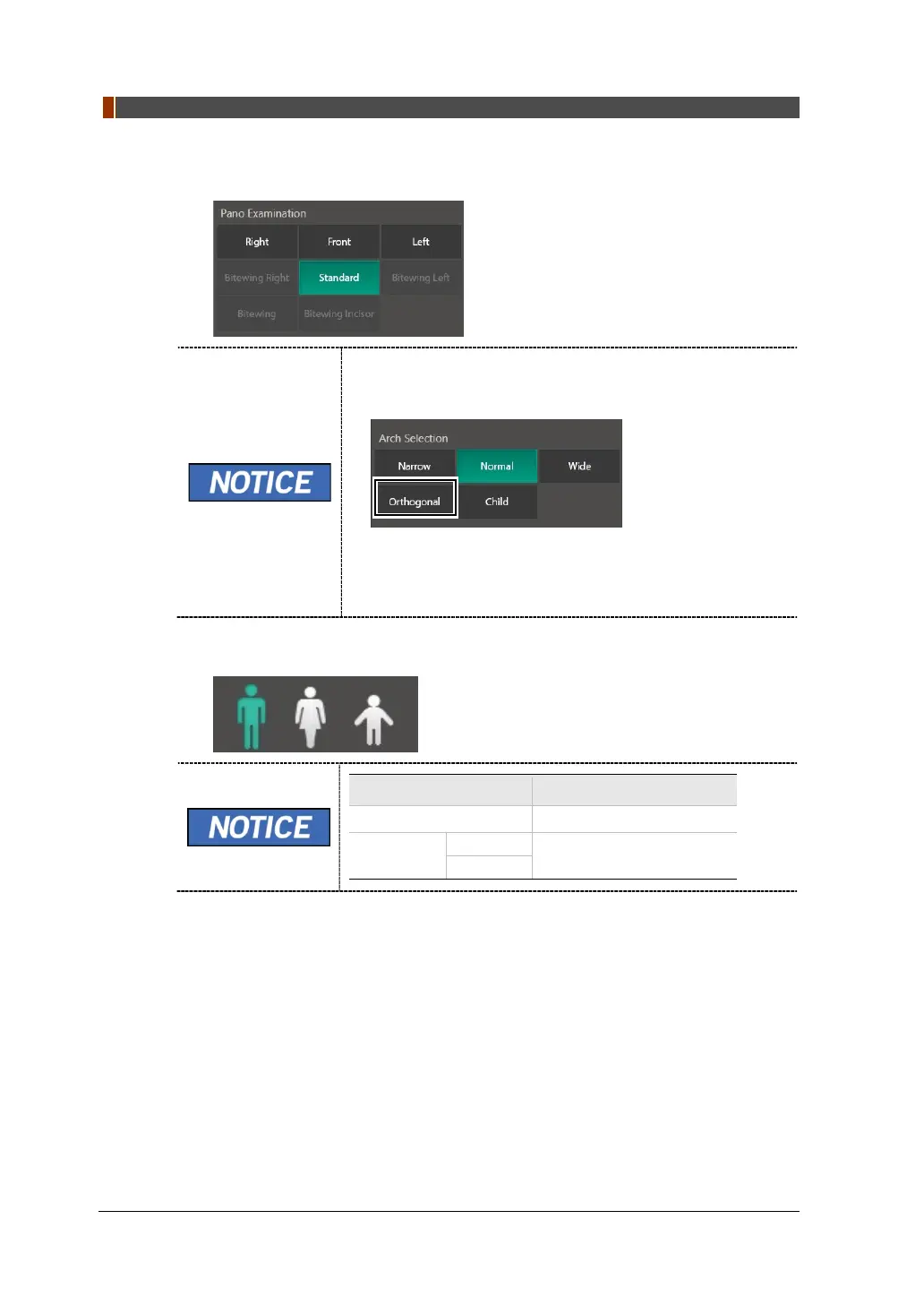
5. Select an Examination Program in the Pano Examination or Special Examination
panel.
To activate Bitewing examination options- Bitewing,
Bitewing Incisor (Optional), Bitewing Right, Bitewing
Left, select Orthogonal in the Arch Selection panel.
When a Special Examination option is clicked, the PANO
Examination panel is disabled. If you want to select a
PANO Examination option, please conduct Arch selection
again.
6. The Gender/Age group of the patient is selected automatically based on the
patient information. If necessary, you can select the option manually.
Gender /Age Group
VATECH’s Standard
Adult
> 12 years of age



 To Next Page