3. Acquiring PANO Images
Green X (PHT-75CHS) User Manual 19
English
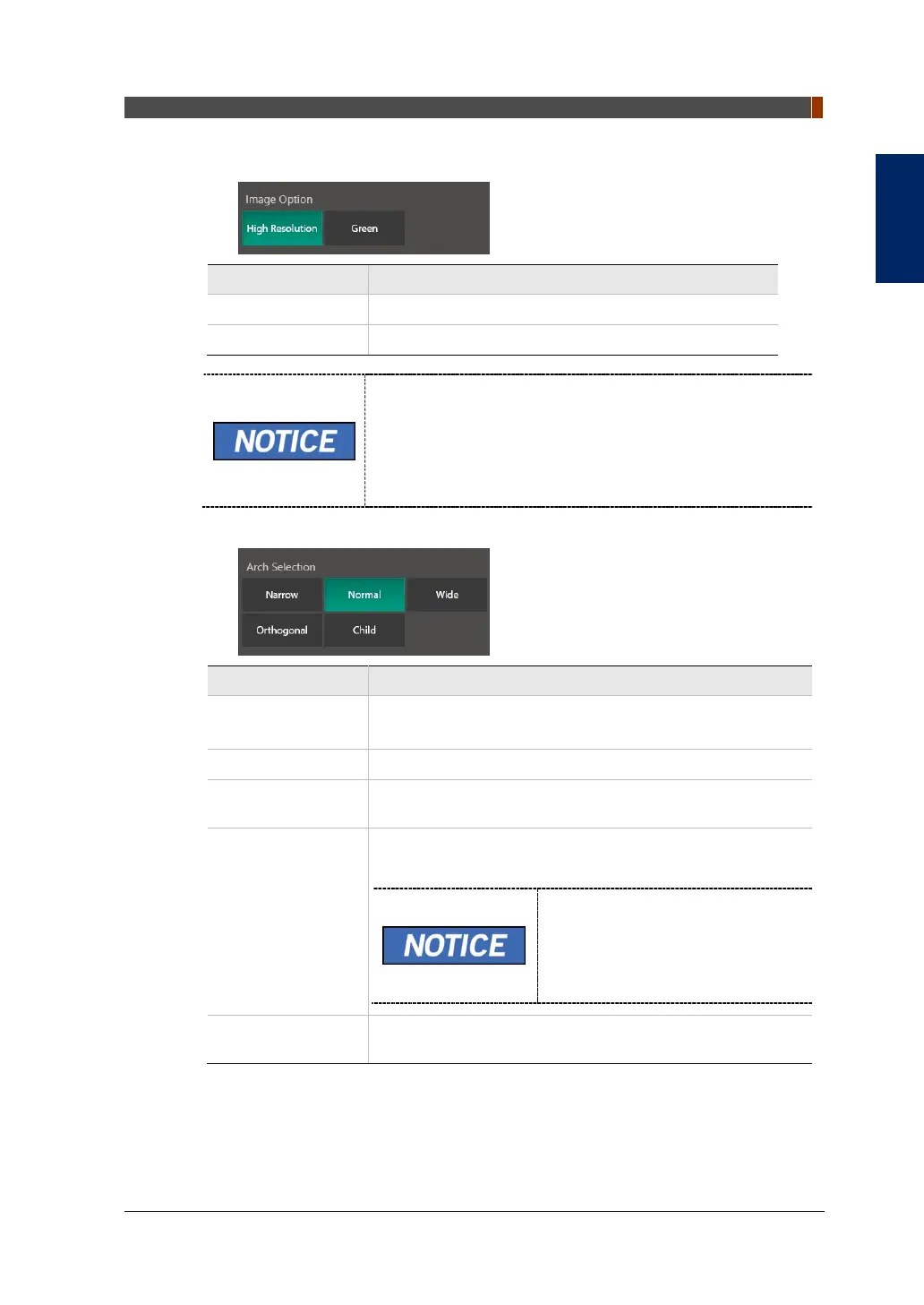
3. Select an Image Option.
Mode Description
High Resolution High-Resolution image
Green Normal-Resolution image
The default is the High Resolution. And the Green is
optional.
When the Pano Option is selected to the Normal, Image
Option is selectable between the High Resolution and the
Green. When the Magic PAN or the Insight PAN option is
selected, the Image Options section is invisible.
4. Make an Arch Selection.
Arch Selection Description
Narrow
Panoramic image of V-shaped palatal arches
(Small number of adult females)
Normal Panoramic image of normal adult palatal arches
Wide
Panoramic image of square-shaped palatal arches (some
number of adult males)
Orthogonal
The panoramic image where the x-ray angle enters vertically
in between the teeth, so overlapping images is minimized.
If Orthogonal Arch is selected,
Bitewing examinations (Bitewing,
Bitewing Incisor (Optional),
Bitewing Right, Bitewing Left) are
activated.
Child
Panoramic image of child palatal arches, more than 40%
less X-ray dose than in Normal mode.


 To Next Page
 Loading...

