4. Acquiring CEPH Images (Optional)
Green X (PHT-75CHS) User Manual 43
English
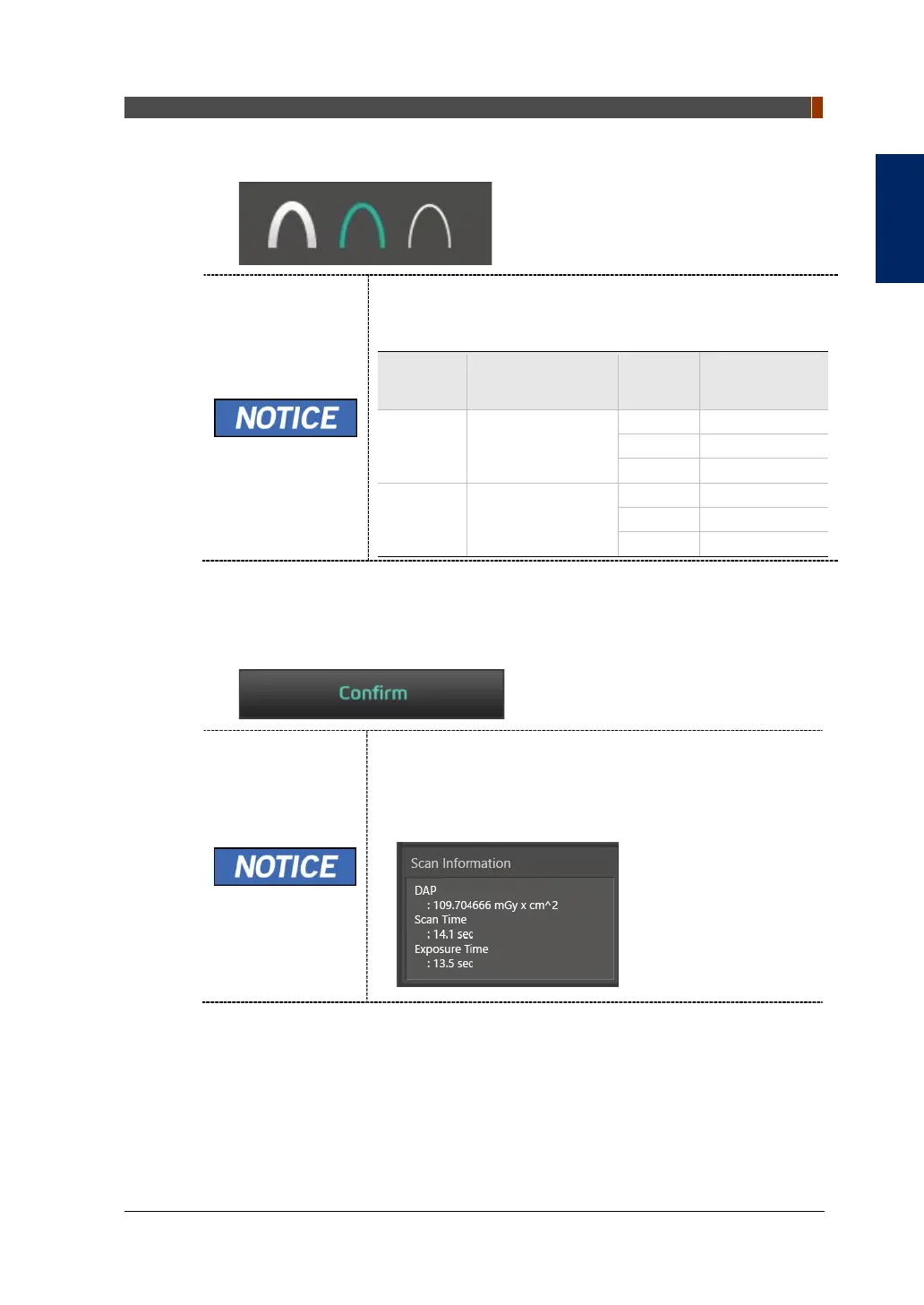
5. Select X-ray intensity.
Depending on the circumference of the patient’s head, X-ray
intensity may be classified as Hard, Normal, or Soft:
Soft ≤ Normal ≤ Hard
Age
Group
Circumference
Range
(cm)
X-ray Intensity
Child 53±3
Adult 56±3
6. The values of tube voltage and current are configured automatically according to
the patient's gender/age group and X-ray intensity. Click the UP/DOWN arrow to
adjust kVp and mA. The dose is adjustable by ±1 kVp and ±0.1 mA, respectively.
7. Click the CONFIRM button when the exposure parameter setting is completed.
When you click the CONFIRM button,
The DAP (Dose Area Product), Scan Time and Exposure
Time will be displayed below the Scan Information
window.
8. Guide the patient to the equipment.



 To Next Page