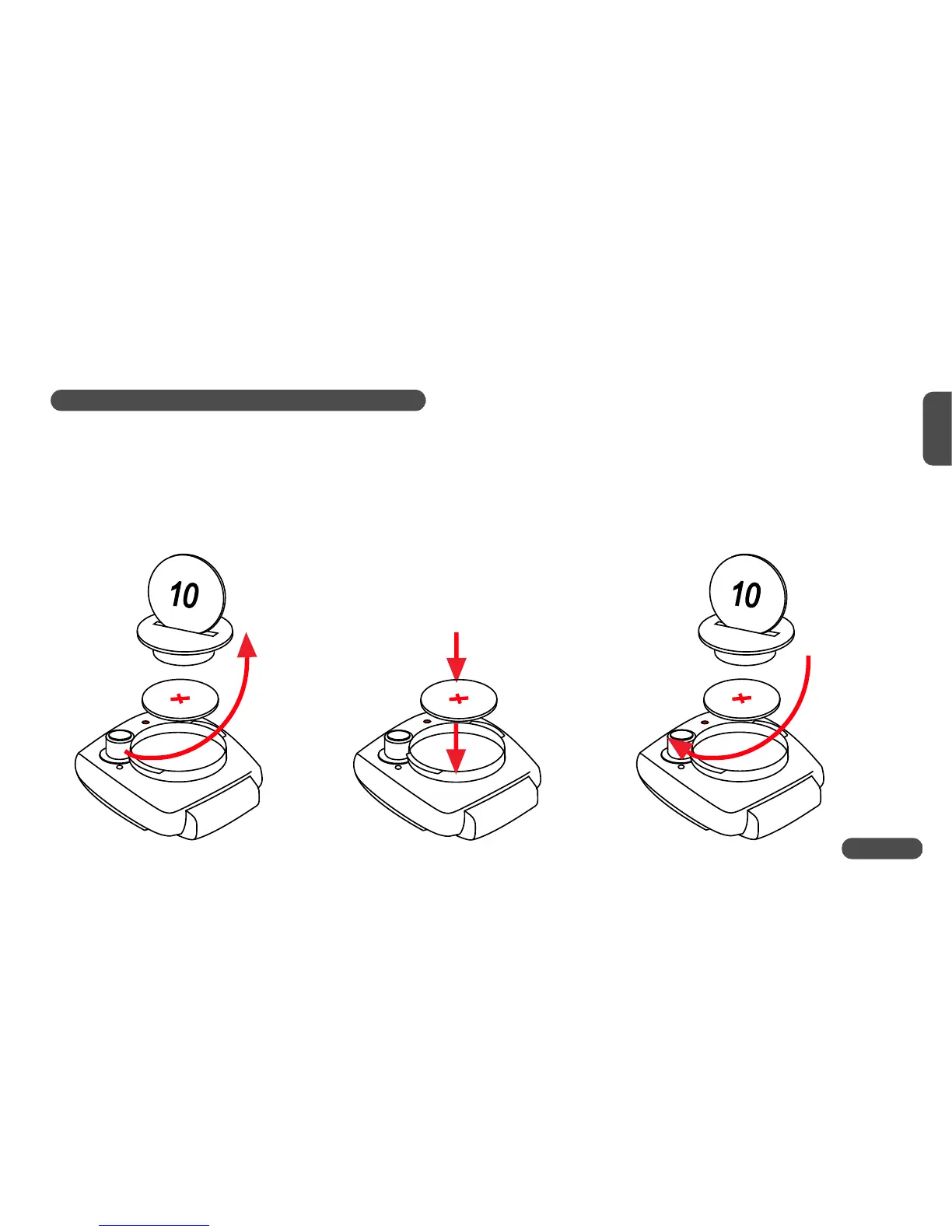
1.4 Installing battery into computer head
To save battery power, your VDO CYTEC C 05 comes with the battery not yet fitted. Prior to initial use you
have to install the battery first. Insert battery with positive (+) end on top.
Watch out: Once the battery is properly fitted, the computer immediately changes into set-up mode
(see also chapter 5). If you find the computer is not functioning properly after a battery
change, push the AC-button (Auto Clear) on the rear side of the computer to reset.
5
GB












 To Next Page