LVP605 User’s Manual
---------------------------------------------------------------------------------------------------
LED VIDEO PROCESSOR
24
5
In_Hori_Width
6
In_ Hori _Start
7
In_ Vert_Height
8
In_Vert_Start
9
Mosaic Mode
Caution: while in Mosaic mode, in order to keep the consistency of
the image, each processor must be set to be identical in the
parameters of brightness/color/gray/definition.
Enter setup: While in operation mode (mosaic mode is turned on),
press “Setup” button, then press OK button, LVP605 will enter mosaic
setup item.
Exit setup: press “Setup” button while in setup mode, LVP605 will
directly exit setup.
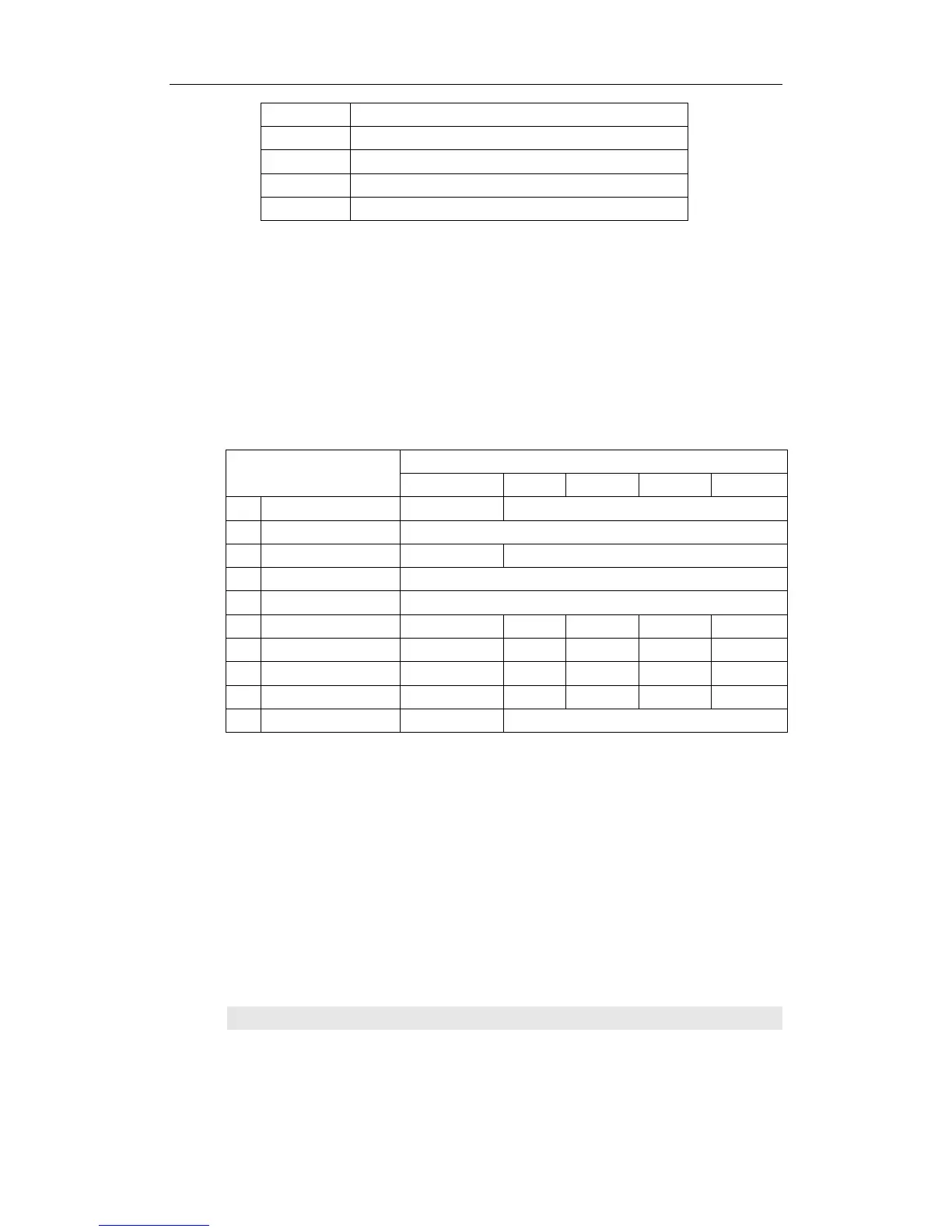
The setup of 5 PCS LVP605 is as follow::
Setup items parameters of processor
#0 #1 #2 #3 #4
1
Out_Hori_Width 1920 1728
2
Out_ Hori _Start 0
3
Out_ Vert_Height 1080 960
4
Out_Vert_Start 0
Out Format 1920×1080
5
In_Hori_Width 1920 960 960 960 960
6
In_ Hori _Start 0 0 960 0 960
7
In_ Vert_Height 1080 540 960 540 540
8
In_ Vert_Start 0 0 0 540 540
9
Mosaic Mode Not Sync Sync
In order to ensure all output images are synchronous to each other,
please note the following settings:
1. The input signals can be only DVI signals, and if the
processor is in mosaic mode, it will be unable to switch input
signals;
2. All the 5 processors must to be set to be the same in output
definitions.
3. Please reduce the number of DVI rings of the processor to
the most extent, so as to prevent signal instability caused by
signal attenuation.
Items 1~4:“ Output image setup ”
Items 3~6 of user setup menu are image output parameters, the


 To Next Page
 Loading...




