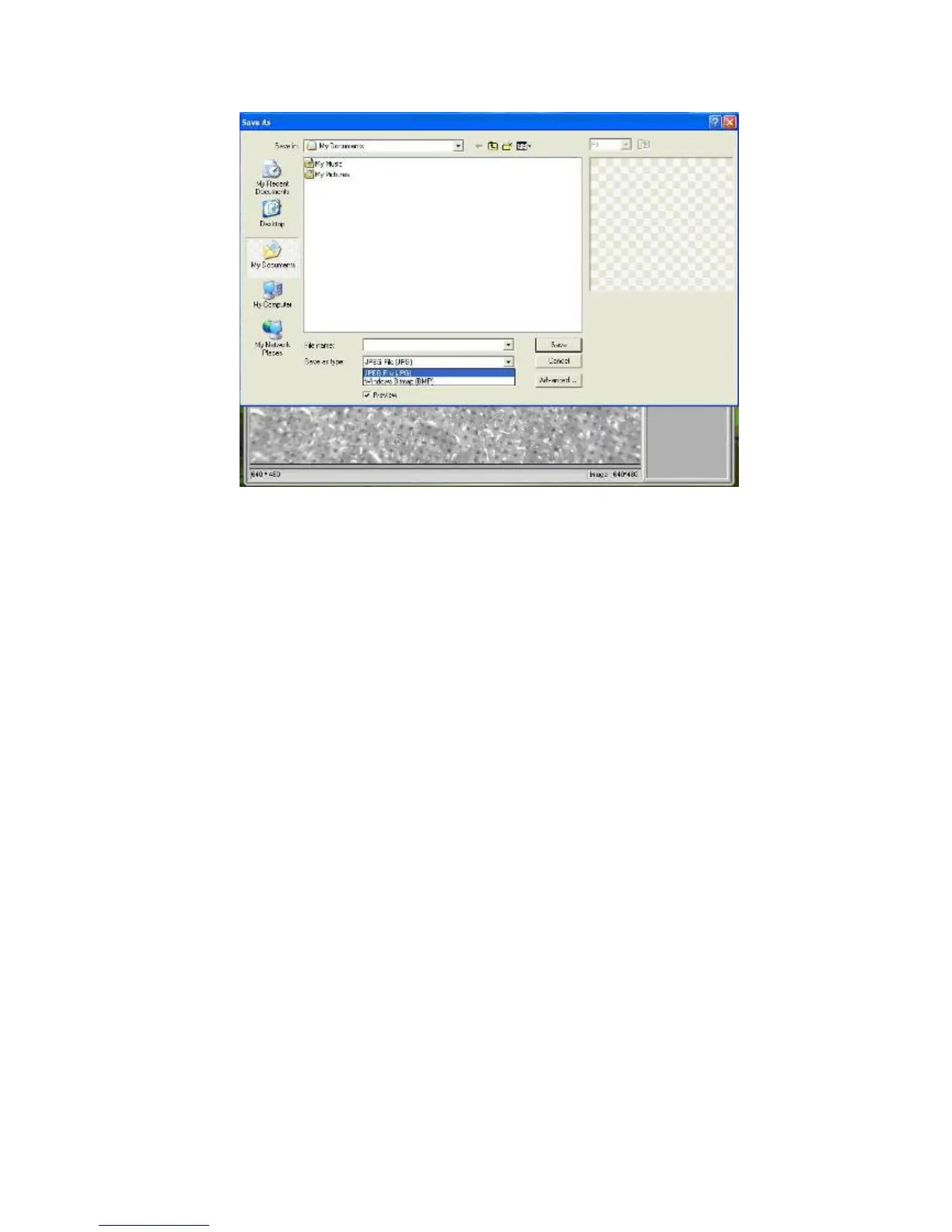
The file can be saved in either jpeg or bmp. The jpeg size in which the
photo is saved is the maximum allowed for jpeg. You can choose to
decrease the size by adjusting quality. Click the Advanced button to
view and select jpeg save options.
3. Delete photos
By right clicking and then choosing Delete, you can delete the
selected photo
Or, at the independent preview box you can choose delete icon to
delete the previewed photo.
4. Copy photos
Right click on the thumbnail and then choose Copy.
z Edit videos
You can right click the video small icon listed on the right column
and then choose Play, Copy, and Delete etc.


 To Next Page