The captured photos will appear as thumbnails on the right side of the
preview window.
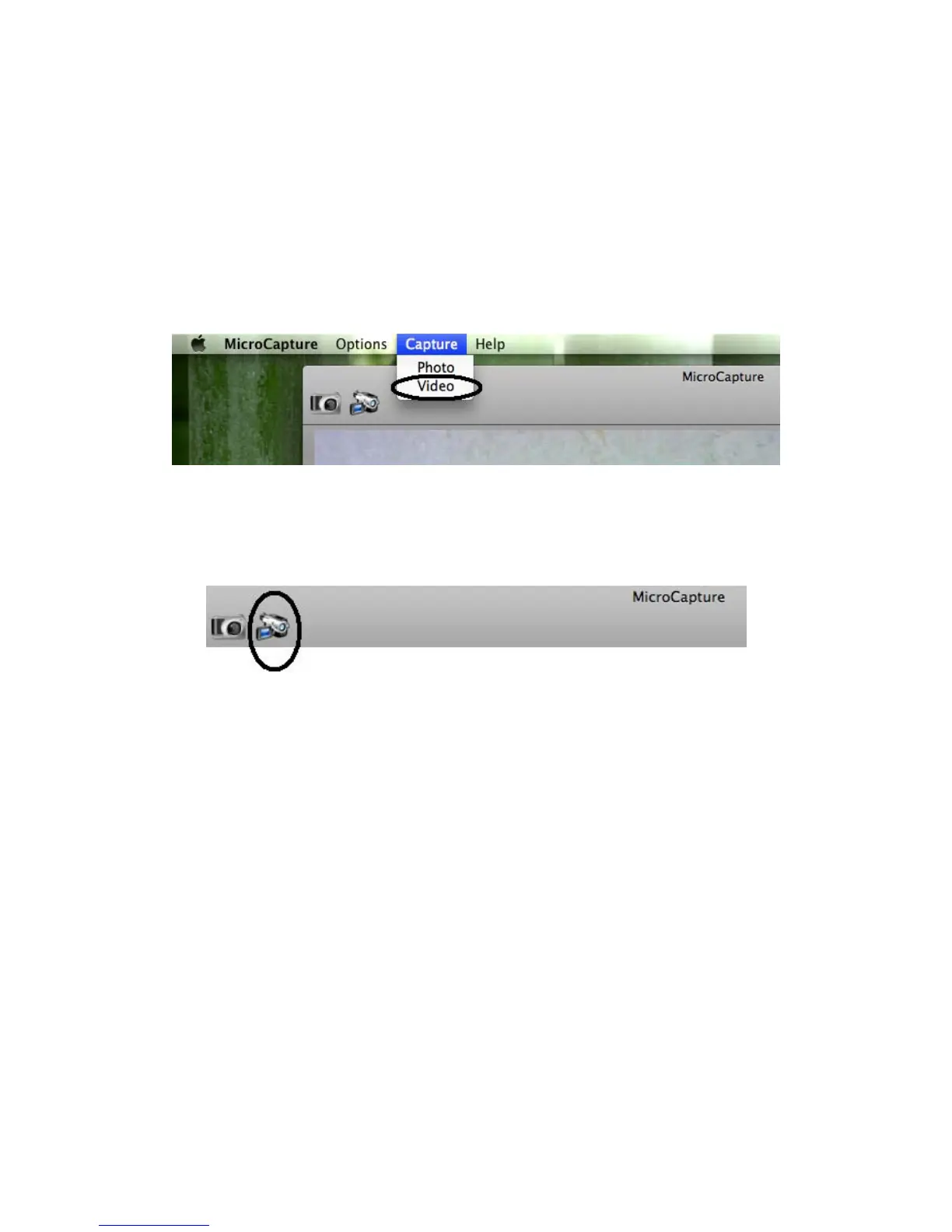
7. Video capture
You can capture video by:
1) choosing Capture/Video
2) clicking video capture icon
Note: After clicking on the icon, the video capture icon will turn
red to indicate video clip recording. Click the red icon again, to stop
recording!!
The captured videos will be appear as thumbnails on the right side of
the preview window under Video tab.

 To Next Page
 Loading...