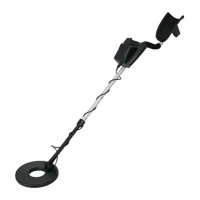
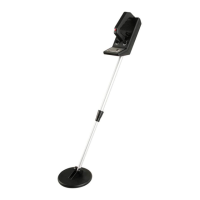
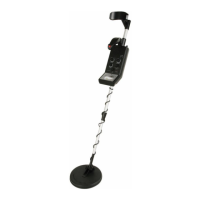
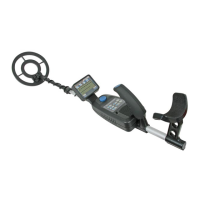
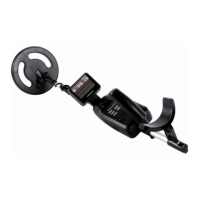
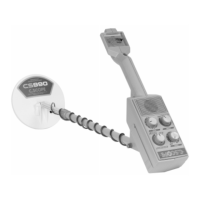
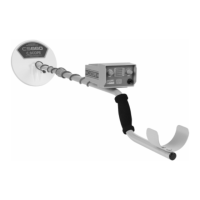
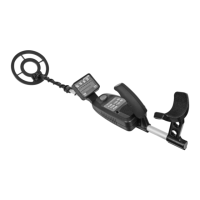
CS100 GB 10
Red Button
Tuning the Detector
TUNE fine-tunes the balance between the detector's receiver and transmitter
circuitry to provide consistent pointer and tone indications.
Follow these steps to set TUNE.
1. Rotate VOLUME to the 11 o'clock position.
2. Set
DISCRIMINATION
to its midpoint.
3. Hold the search coil about 1 foot (30cm) away from the ground and any
metal object, hold down the red button on the handle, and slowly rotate
TUNE left and right until the pointer on the vu-meter rests at or near 0, then
release the red button.
As you search, you can fine-tune the detector using DISCRIMINATION (see
"Fine-Tuning the Detector")
Note :
Press the red button on the handle at any time during operation to
automatically return the pointer to 0.



 To Next Page
 Loading...