DVR4H4
V. 01 – 10/02/2014 10 ©Velleman nv
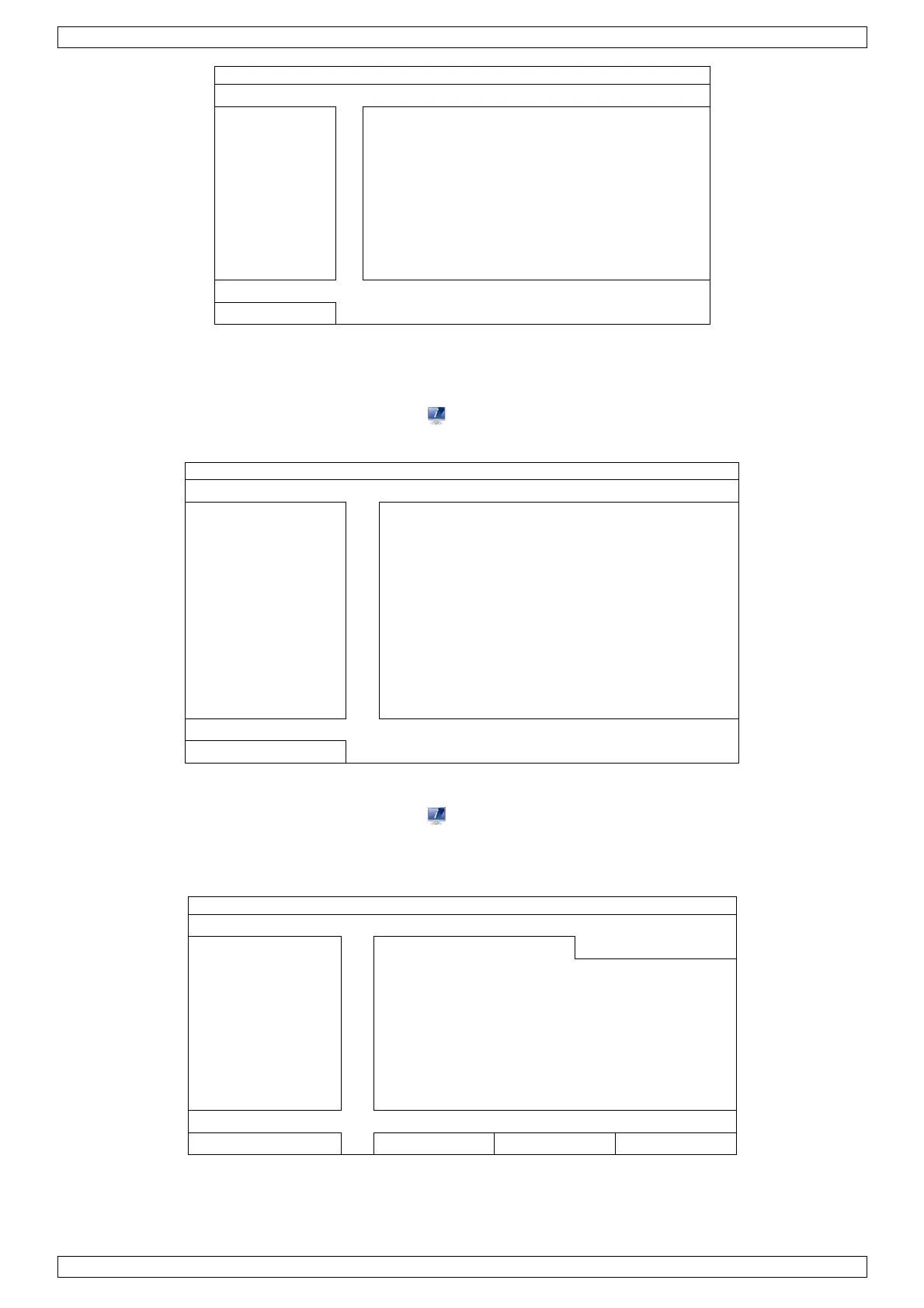
GENERAL DATE 2009 / NOV / 17
TIME 15 : 35 : 53
EXIT
8.4 Clearing the Hard Disk
It is recommended to clear all data in the hard disk when using this DVR for the first time to ensure the
recorded data are not mixed with other data previously saved in the same hard disk.
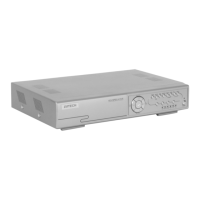
1. Right-click to show the main menu, and select (SYSTEM) > SYSTEM INFO > CLEAR HDD.
2. The DVR will reboot when HDD data are cleared. Please refer to the full user manual for more information.
ACCOUNT BAUD RATE 2400
TOOLS HOST ID 000
VIDEO FORMAT NTSC
VERSION 1019-1008-1010-1010
8.5 Password Setting
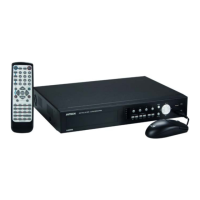
1. Right-click to show the main menu, and select (SYSTEM) > ACCOUNT to change the default password of
SUPERVISOR.
2. There are four user levels for different access privileges: SUPERVISOR, POWER USER, NORMAL, and
GUEST. For details, please refer to User Creation further in this manual.
ACCOUNT USERLIST
EXIT ADD EDIT DEL


 To Next Page