DVR4H4
V. 01 – 10/02/2014 11 ©Velleman nv
9. Basic Operation
9.1 Key Lock / Unlock
To lock or unlock the operation, click (key lock) or (unlock) in the DVR status bar to change the status.
When you unlock the operation, you have to enter a user name and password. The default user name and
password are both admin. These credentials give you access with the highest user level. For more information,
refer to User Creation further in this manual.
9.2 User Creation
Note: This function is only available for SUPERVISOR users.
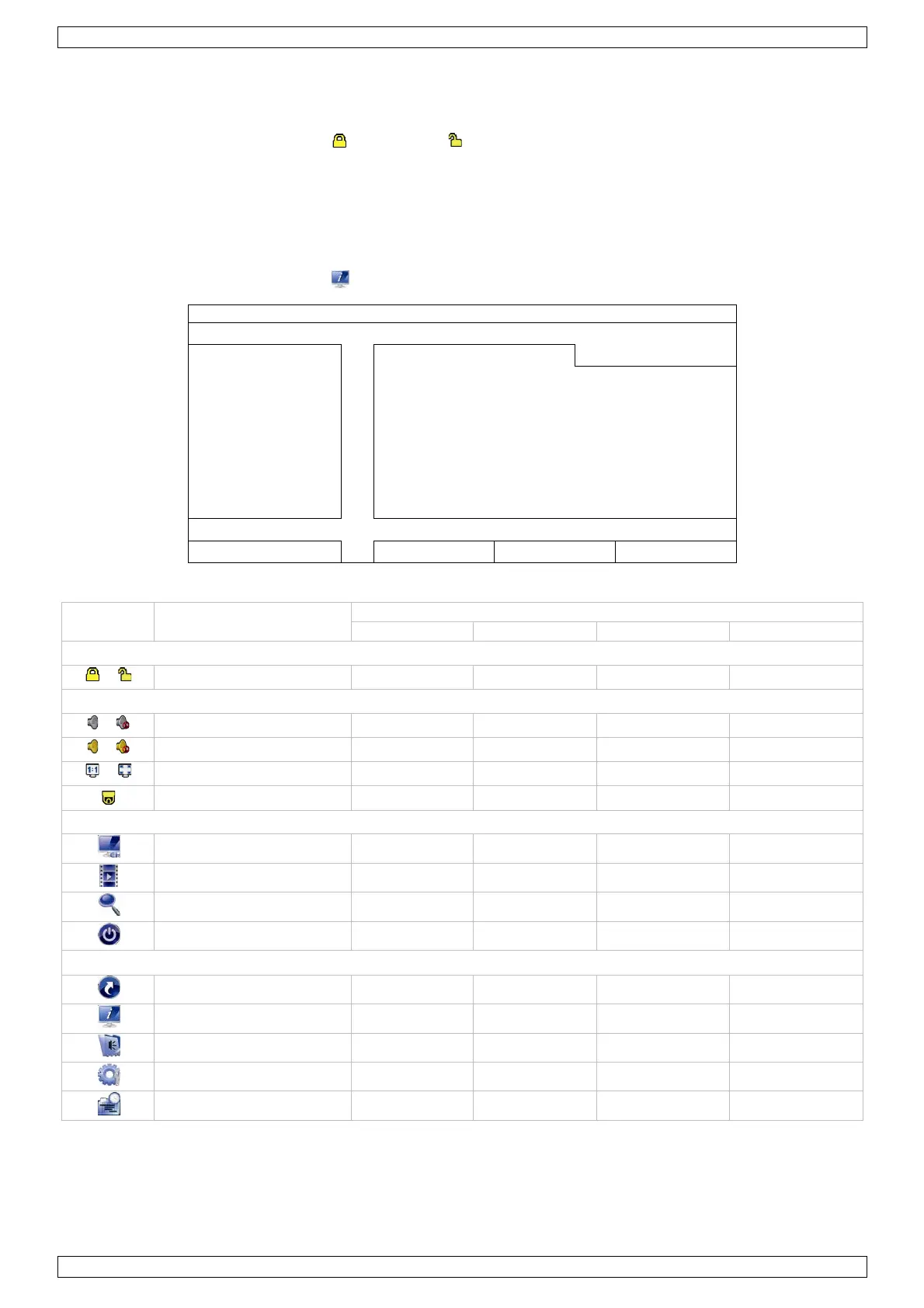
To create a new user account, select (SYSTEM) > ACCOUNT. The list of users appears on the display.
ACCOUNT USERLIST
BACKUP LOG (USB) normal NORMAL
guest GUEST
EXIT ADD EDIT DEL
The access rights for the different user levels are described below:
Function
/ Live audio on/off yes yes yes yes
/ Playback audio on/off yes yes yes yes
Original size / fit to screen
PTZ control yes yes
Channel selection yes yes yes yes
Playback yes yes yes
Digital zoom yes yes yes yes
Power yes
Quick start yes
System yes
Event information yes
Advanced config. yes
Schedule setting yes


 To Next Page