20
PPS10 Pocket Scope
TM
Operation
NOTE:
The joystick function appears in the right bottom
corner.
POWER ON
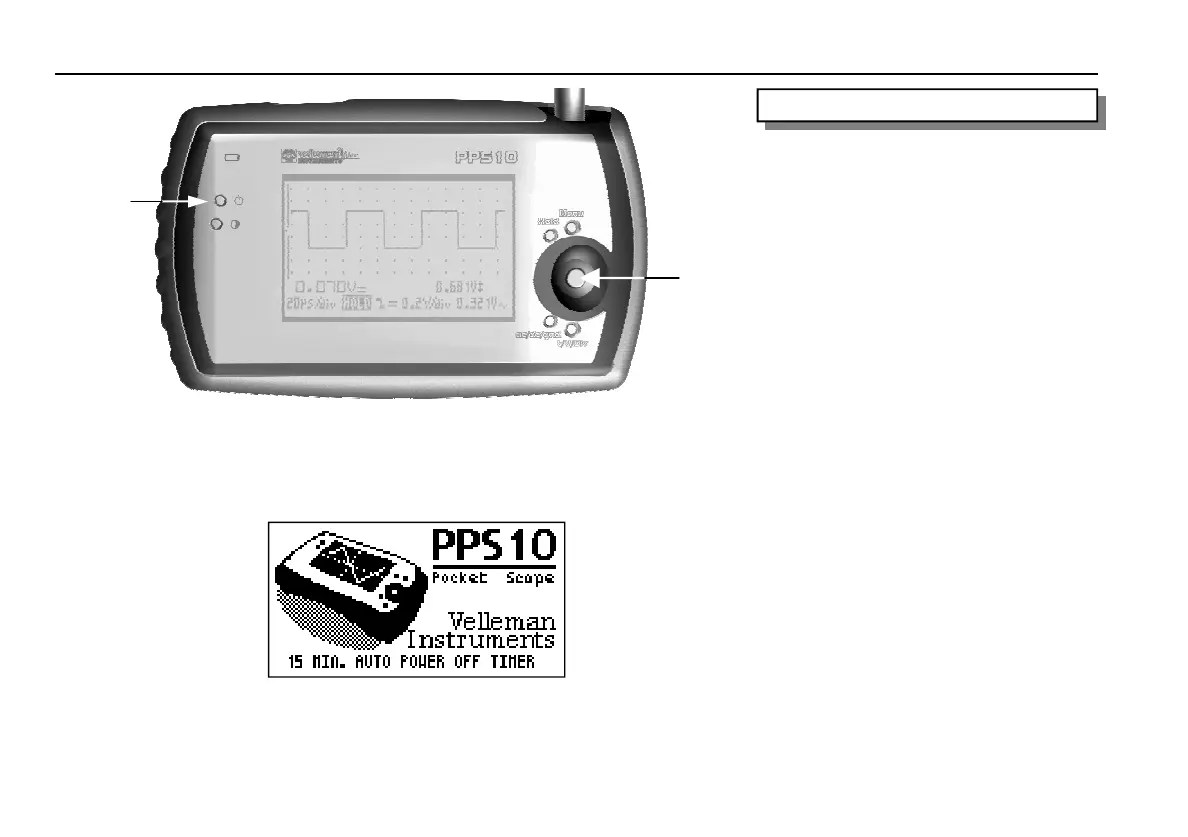
Short press on the joystick (2) :
On with automatic switch-off timer (15 min., 1
hour or switched off).
Long press on the joystick (2) :
Switch on without switch-off timer.
Remarks:
• Pressing a button will restart the automatic
switch-off timer.
• The switch-off timer adjustment will appear
below during the start-up procedure (fig. 9).
• All scoop settings are saved after switching off
your scope.
• When choosing HOLD and switching off your
device, the last signal will be retained.
POWER OFF
Switch off the device by pressing the ‘off’ (1)
press button.
Remark:
this button cannot switch on the device to avoid
an accidental switching-on
OPERATION
Fig 8.0
Fig 9.0
1
2















 To Next Page