5.17 MAX / MIN RECORDS
The console can show the different reading's daily MAX / MIN records in memory mode.
TO VIEW MAX / MIN
In normal mode, press [ MEM ] key on the front side, to check records in below sequence:
Indoor or current CH MAX temperature
Indoor or current CH MIN temperature Indoor or
current CH MAX humidity
Indoor or current CH MIN humidity outdoor MAX temperature
outdoor MIN temperature
outdoor MAX humidity outdoor MIN humidity MAX Feels like
temperature
MIN Feels like temperature MAX heat index temperature MIN heat index
temperature
MAX wind chill temperature MIN wind chill temperature MAX dew point
temperature
MIN dew point temperature MAX average wind speed MAX gust wind
MAX Beaufort
MAX relative baro pressure MIN relative baro pressure MAX absolute
baro pressure
MIN absolute baro pressure MAX rain rate MAX UV index, MAX
light intensity. Then press [ MEM ] key for back to normal mode.
You can also, press another key to exit memory mode.
TO RESET THE MAX/MIN RECORDS
Press and hold [ MEM ] key for 2 seconds to reset the current on display record.
NOTE:
The LCD will also display the "
" / " " icon, when showing the record(s).
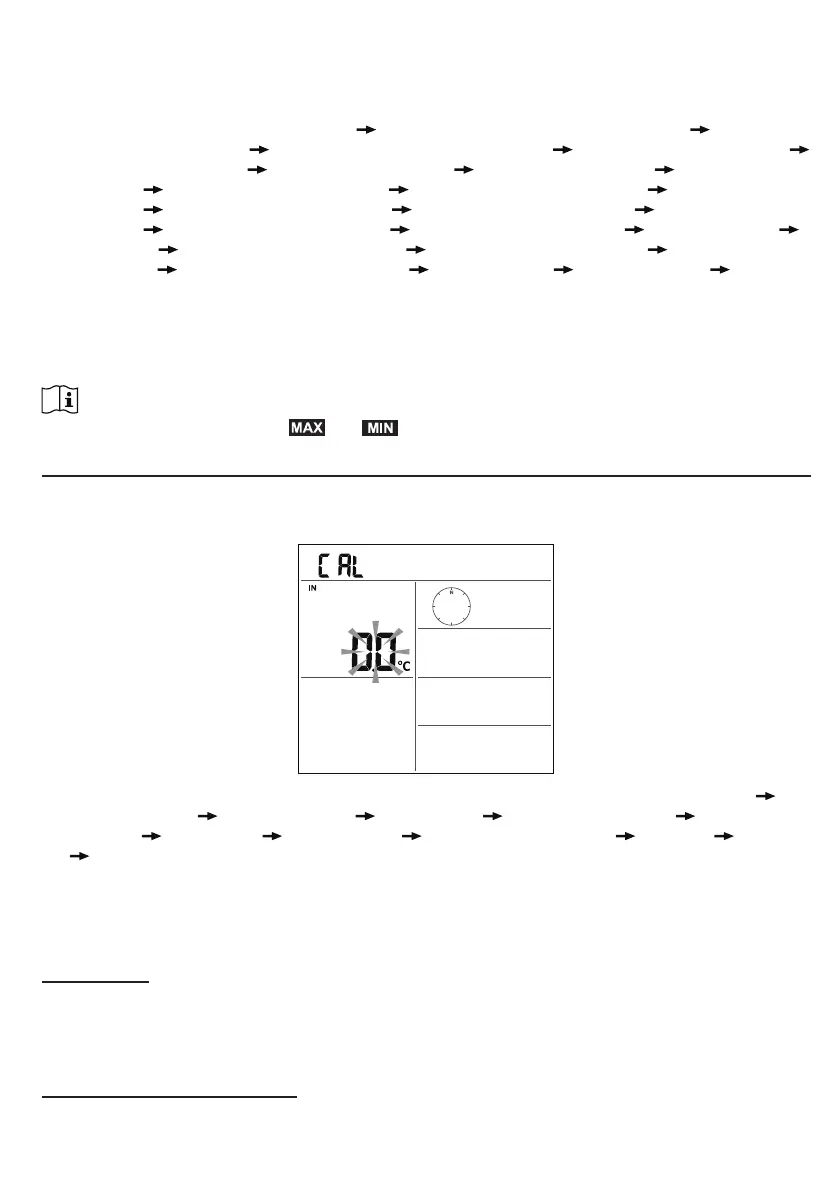
6. CALIBRATION
The console is able to calibrate the weather readings:
1. In normal mode, press and hold [ CAL ] key for 2 seconds to enter the calibration mode as
below.
2. Press [ CH / SET ] key to select different parameter as sequence: Indoor temperature
Indoor humidity
CH temperature CH humidity outdoor temperature outdoor
humidity
wind speed wind direction absolute baro pressure rain gain UV gain
light intensity gain.
3. While the reading is blinking, press [ WIND / + ] or [ - ] key to adjust the offset value.
4. When nished, press [ CH / SET ] to proceed with next calibration by repeating process 2 - 3
above.
5. To return normal mode, press [ CAL ] key once.
BACK LIGHT
The main unit back light can be adjusted, using the [ ON / AUTO ] sliding switch to select the
Appropriate brightness:
- Slide to the [ ON ] position to set the back light to normal brightness.
- Slide to the [ AUTO ] position to set the back light brightness that according to ambient light level.
SET LCD DISPLAY CONTRAST
In normal mode, press [ SNOOZE / CONTRAST ] key to adjust LCD contrast for best viewing on
table stand or wall mounted.



 To Next Page