NOTE:
If no display appears when power up the console. You can press [ RESET ] key by using a
pointed object. If this process still not work, you can remove the backup battery and unplug the
adaptor then re-power up the console again.
RESET AND FACTORY HARD RESET
To reset the console and start again, press the [ RESET ] key once or remove the backup battery
and then unplug the adapter. To resume factory settings and remove all data, press and hold the
[ RESET ] key for 6 seconds.
CHANGING BATTERIES AND MANUAL PAIRING OF SENSOR
Whenever you changed the batteries of the wireless sensor, re-synchronization must be done
manually.
1. Change all the batteries to new ones in the sensor.
2. Press [ SENSOR / WI-FI ] key on the console to enter sensor Synchronization mode.
3. Console will re-register the sensor after its batteries are changed (about 1 minute).
4. SMART LIFE APP
4.1 ACCOUNT REGISTRATION
The console works with Smart Life APP for Android and iOS smart phone.
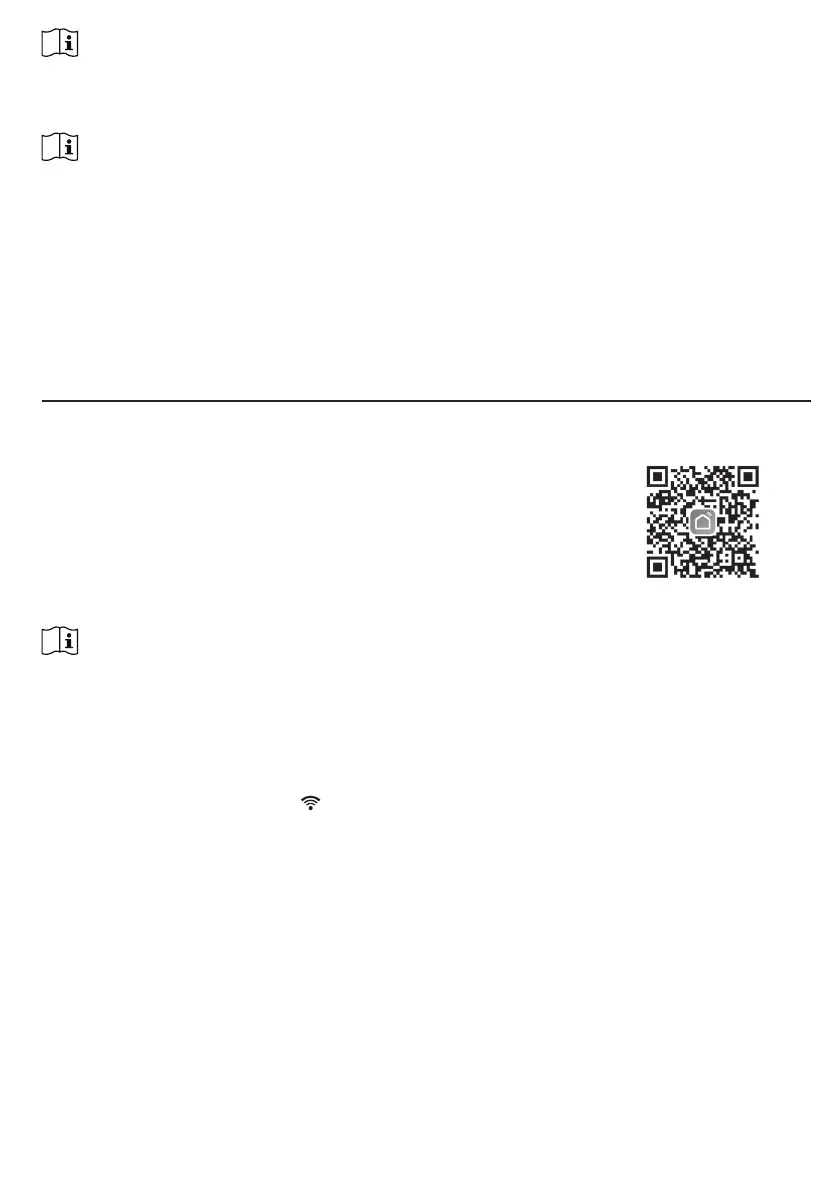
1. Scan the QR code to go to the Smart Life download page.
2. Download Smart Life from Google Play or Apple APP store.
3. Install the Smart Life APP.
4. Follow the instruction to create your own account using phone
number or email.
5. Once the account registration is completed, the Home Screen
will be shown.
Smart Life for
Android /iPhone
NOTE:
- There is no Registration code needed if email method is chosen.
- The APP may be subject to change without notice.
- You may be prompted to allow the APP to have access to your location. This will allow the APP to give you
general weather information in your area. The APP will still work if you don' t allow access to that.
4.2 CONNECT WEATHER STATION TO WI-FI NETWORK
1. Press and hold the [ SENSOR / WI-FI ] key for 6 seconds to enter AP mode manually,
indicated by blinking AP and
. When the console is power up for the rst time, the console
will automatically enter and stay at AP mode.



 To Next Page