4.3 Device Network Configuration
4.3.1 Base Network Settings
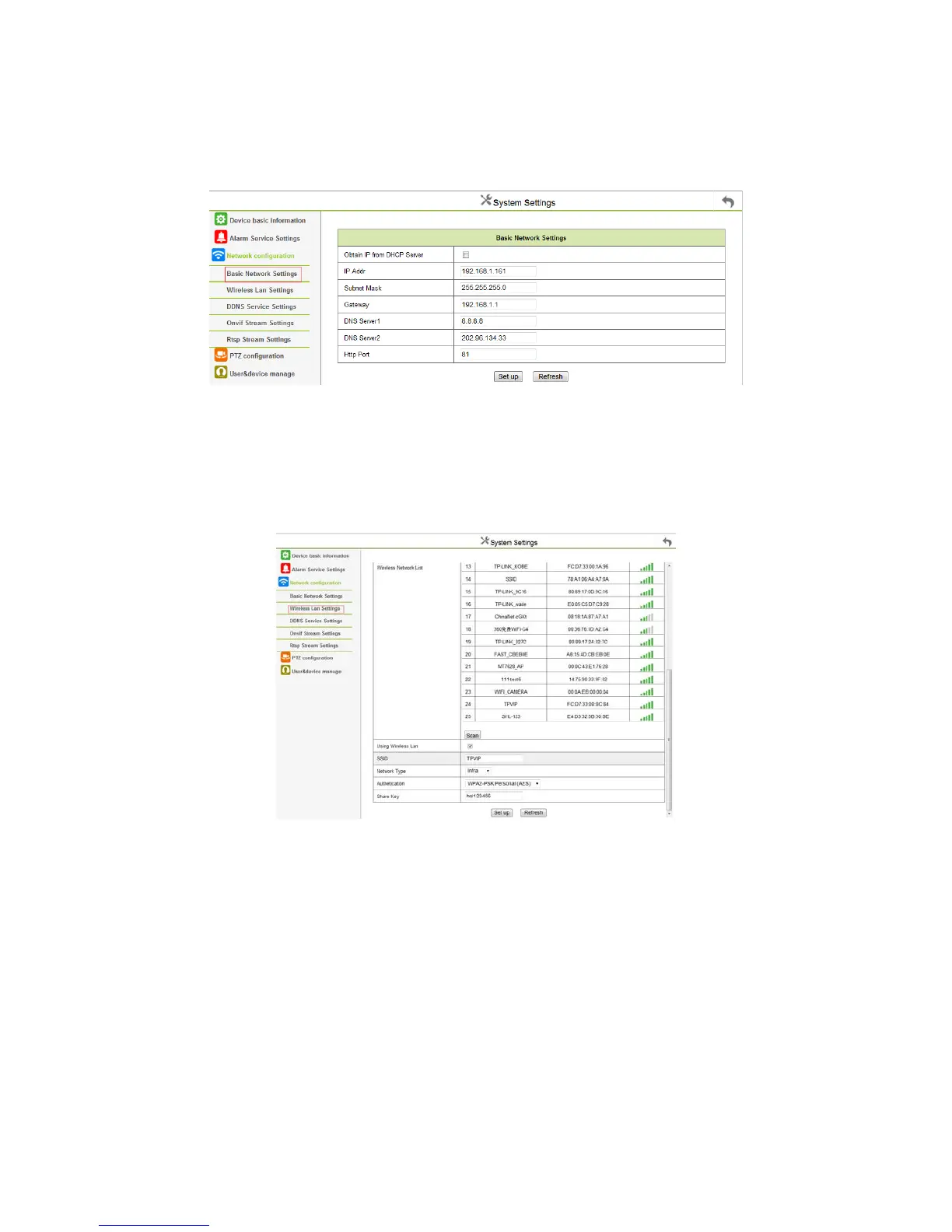
Click “Base Network Settings”: appears below interface:
Figure 4.13
Set the DHCP to assign IP address;
Set the static IP address: Set the IP address, Subnet mask, Set the Gateway, DNS Server 1, DNS Server 2, Http port number;
Set the test of external network: Network configuration, Connecting to the network, Click the button to connect to the internet.
4.3.2 Wireless LAN Settings
Click “ Wireless LAN Settings”:
Figure 4.14
Click “Search”, and search the existing wireless network, select the one you want, the device will be automatically configured with the wireless
router, then enter the correct password, and click setting.
This function can set the device to wireless mode, the device will restart when complete the settings, you can unplug the cable once the device
finished the Self Test.



 To Next Page