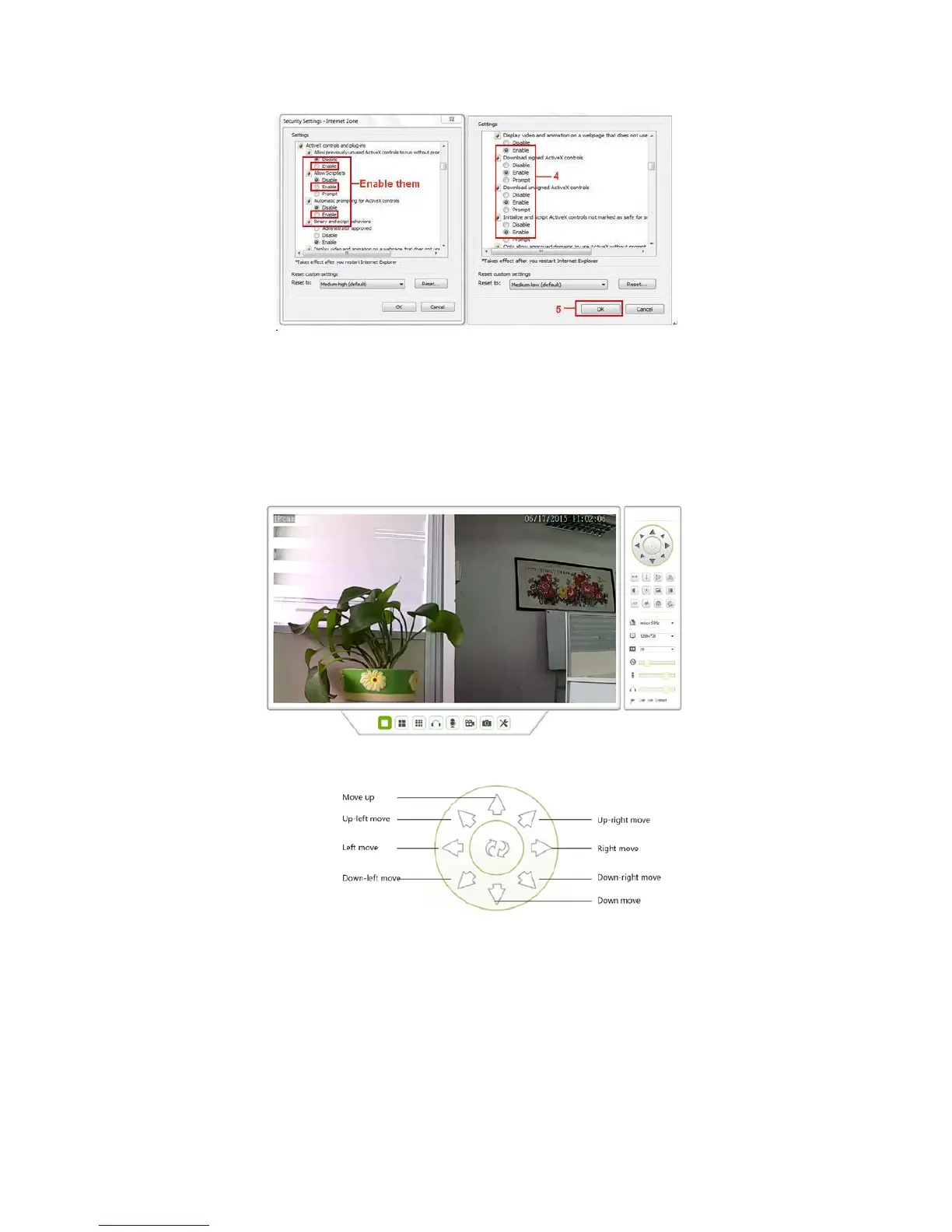
Figure 2.7
In addition: you can also click “Start” menu->“Internet Explorer”, choose “Internet attributes “ to enter, or via
If you allowed the ActiveX running, but still could not see live video, only a Red Cross
“Control Panel” ->“Internet Explorer”, enter to Security setting.
3 How to use IE Operation Interview use
IE Operation Interface,see below picture:
Figure 3.1
3.1 Pan Tilt Control Area
Figure 3.2



 To Next Page