4.5 USER & DEVICE
4.5.1 Multi-Device
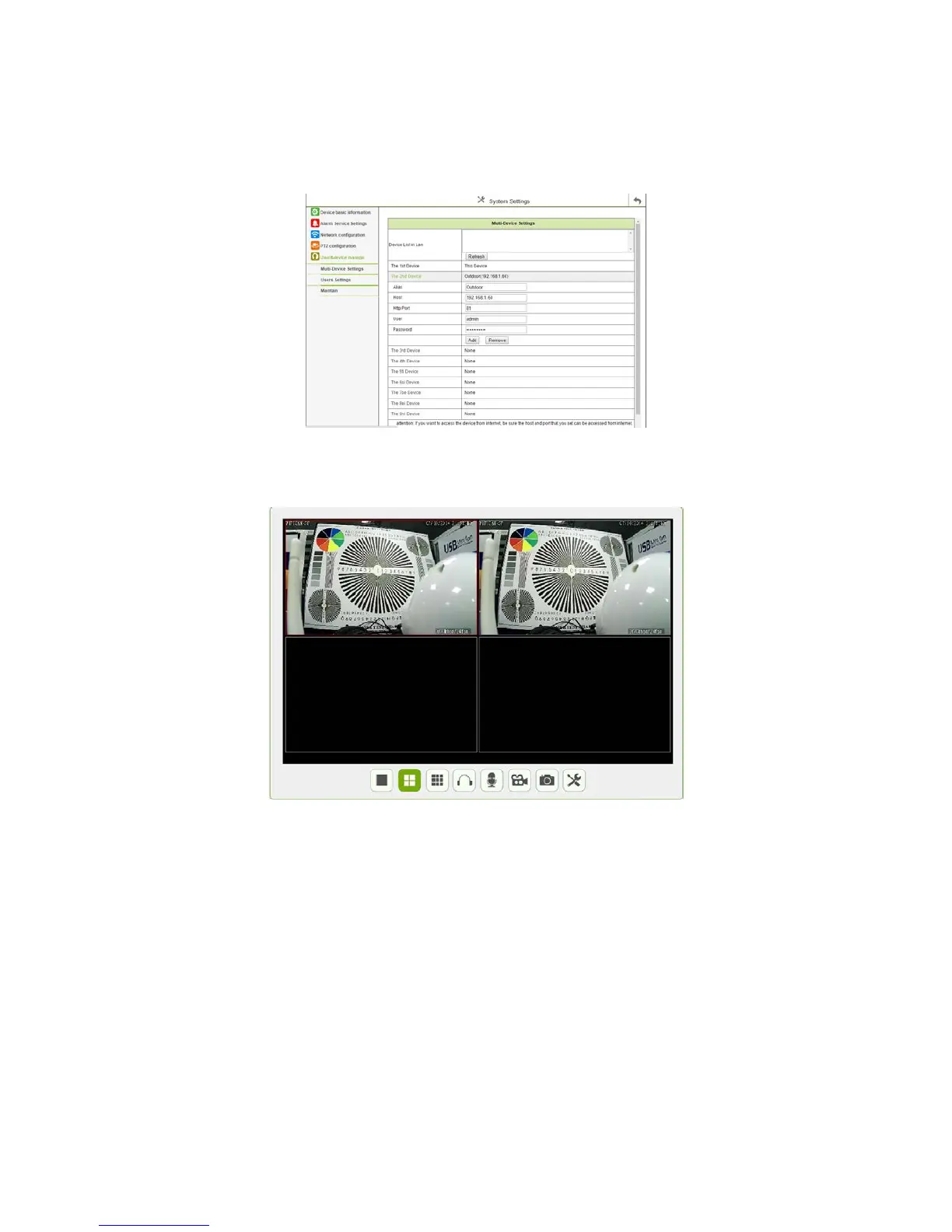
1.Click the “multi-channel Device Settings”, and Click “Refresh” to appears below interface, it can set up to increase max 9-channel:
Figure 4.20
1. For example, add a second device: Click the “Second device”, and then select the current local area network (in the same segment) exist in
the device, the information will be automatically obtained by the device, as shown in the following figure:
Figure 4.21



 To Next Page