2.2 Access IP Camera from web terminate.
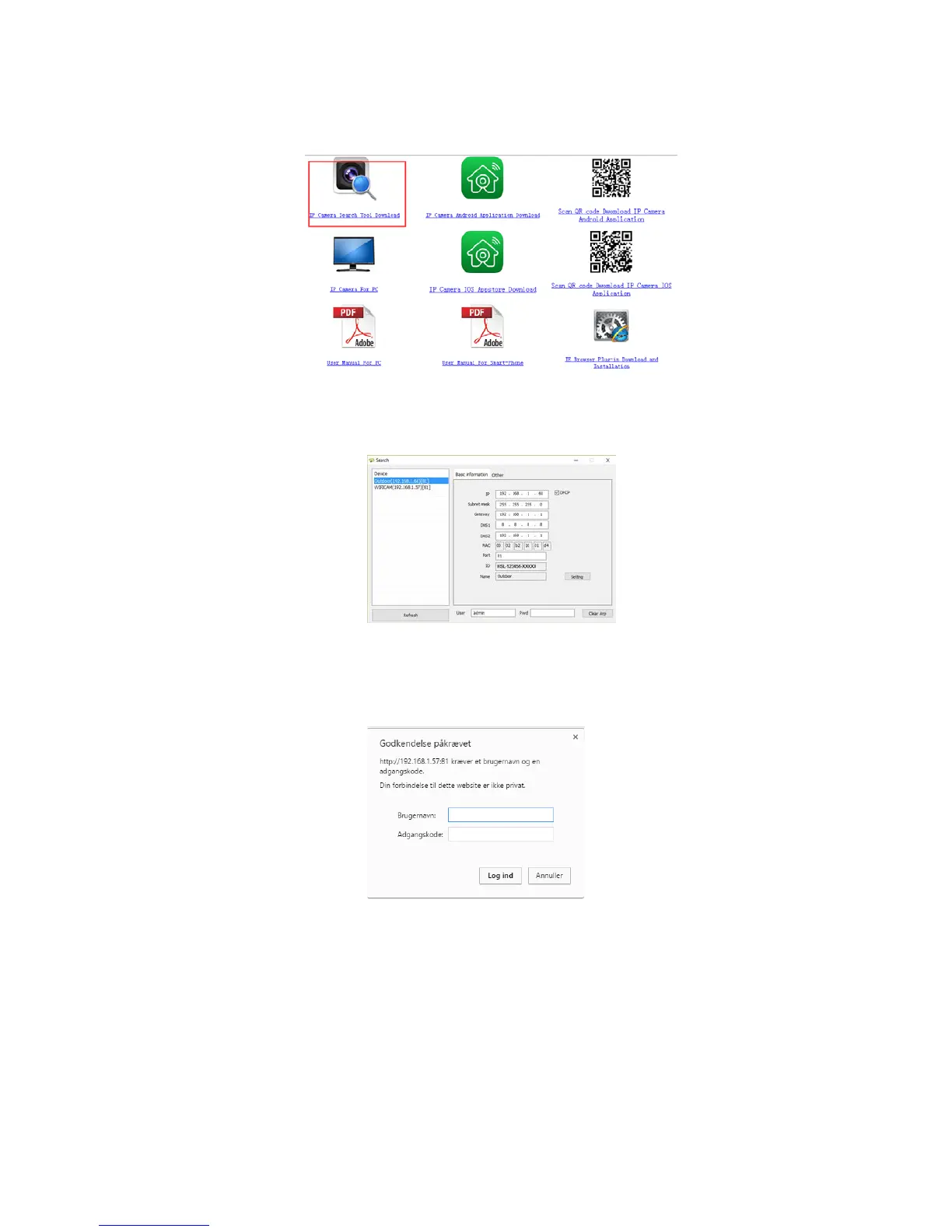
Login http://www.netcam360.com/ to download “IP Camera Search Tool”(support windows OS)
Figure 2.2
2.After downloading software,please open “IP Camera Search Tool”,enter the web page(Figure 2.3):
Figure 2.3
3.Click refresh button,search connected device,then double click device picked,enter web access,input default user name “admin”and psw is
none,then click confirm.
Figure 2.4



 To Next Page