www.venuelightingeffects.com
3
1. BEFORE YOU BEGIN
WHAT IS INCLUDED
• Thinpar64 • PowerCord
• WarrantyCard • UserManual
UNPACKING INSTRUCTIONS
Carefullyunpackthecarton,thencheckthecontentstoensurethatallpartsarepresentandhavebeenreceivedingood
condition.Notifytheshipperimmediatelyandretainpackingmaterialforinspectionifanypartsappeardamagedfrom
shipping, or the carton itself shows signs of mishandling. Save the carton and all packing materials. In the event that a
xturemustbereturnedtothefactory,itisimportantthatthexturebereturnedintheoriginalfactoryboxandpacking.
MANUAL CONVENTIONS
Venue
®
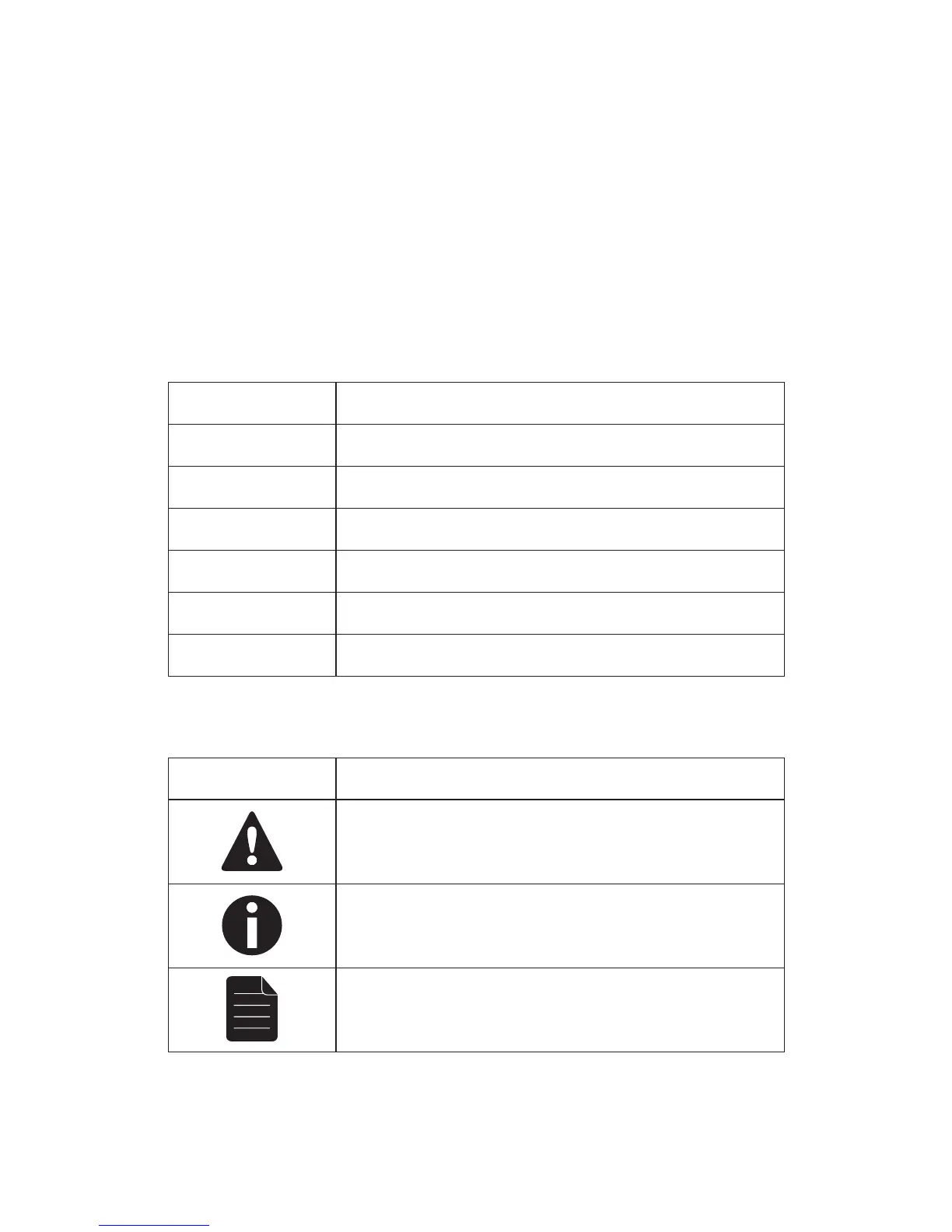
manualsusethefollowingconventionstodifferentiatecertaintypesofinformationfromtheregulartext.
CONVENTION MEANING
<Menu>
Keytobepressedonthexture’sControlDisplay
1~512 Range of values
50/60 Setofvaluesofwhichonlyonecanbechosen
Settings
Menu option not to be modified (for example, showing the operating mode/
current status)
MENU > Settings
Sequence of menu options to be followed
ON
Value to be entered or selected
ICONS
This manual uses the following icons to indicate information that requires special attention on the part of the user.
ICONS MEANING
This paragraph contains critical installation, configuration or operation
information.Failuretocomplywiththisinformationmayrenderthexture
partiallyorcompletelyinoperative,causedamagetothextureorcause
harm to the user.
This paragraph contains important installation or configuration information.
Failuretocomplywiththisinformationmaypreventthexturefrom
functioningcorrectly.
Thisparagraphremindsyouofuseful,althoughnotcritical,information.



 To Next Page