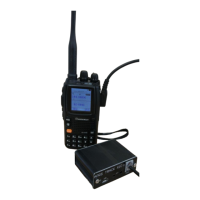
APRS 51Track X1C3
GPS/Track/DIGI/BT/USB
How to query my track on the computer
The APRS-51 X1C3 uses the standard APRS protocol. When there is an APRS gateway nearby, when
the local beacon is received, the local track and other information will be displayed on the APRS map.
APRS.IS server:http://aprs.fi/
Client setup program
(For expert only)
Following interface is for reference only, the version is constantly updated, there may be
differences
Hardware connection:
1, open the X1C3 box by using proper tools
2. Use the USB-TTL data cable (optional) to connect to the APRS X1C3 motherboard ISP download port.
3. Open the universal serial port debugging software and select the correct port number. The default
rate is 9600.
4. Enter the command and modify the parameters you need.
Note: Setting parameters - pay attention to input method, you should use English status inputmtry not
to copy information from other documents, so as not to bring in hidden characters,and the X1C3 board
will not work properly.
When the setting data is garbled, delete the garbled data and rewrite it.


 To Next Page