SETUP
Unpacking the Shipping Carton
E105 INSTALLATION GUIDE 13
Unpacking the
Shipping Carton
Open the shipping carton and carefully inspect its contents for possible tampering
or shipping damage. The e105 is a secure product and any tampering can cause
it to cease to function or to operate in an unsecured manner.
1 Remove and inspect the contents of the shipping carton, since the e105 ships
in multiple configurations, the carton may include any or all of the following:
• e105
• rubber pads
2 Remove all plastic wrapping from the terminal and components.
3 Save the shipping carton and packing material for future repacking or moving
of the device.
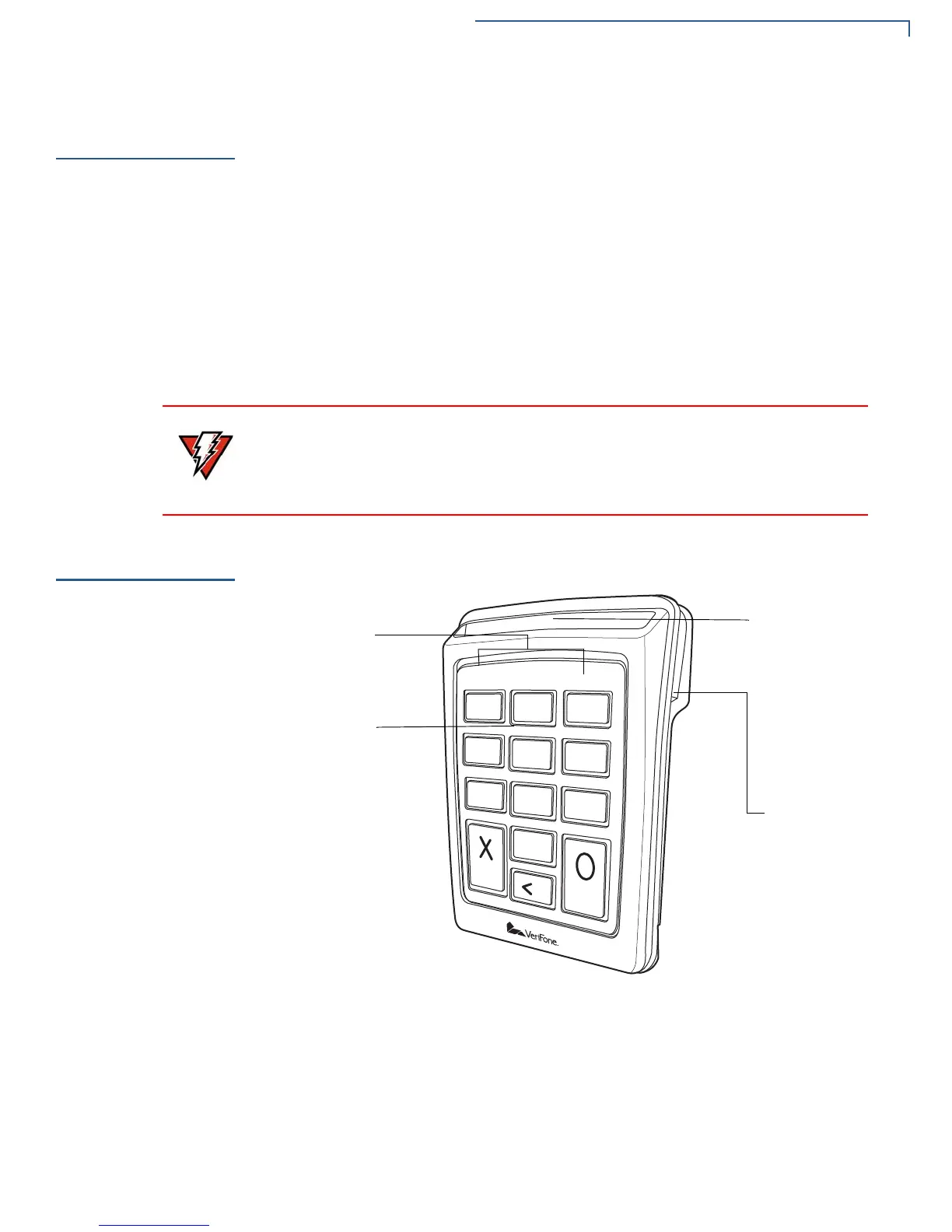
Examining
Device Features
Before you continue with the installation process, familiarize yourself with the
e105 features:
Figure 2 e105 Features
Do not use a unit that has been tampered with or damaged.
The e105 comes equipped with tamper-evident labels. If a label or component
appears damaged, please notify the shipping company and your VeriFone
service provider immediately.
LED
INDICATORS
CARD
READER
STRIPE
READER



 To Next Page