SETUP
Charging the e105
18 E105 INSTALLATION GUIDE
Charging the
e105
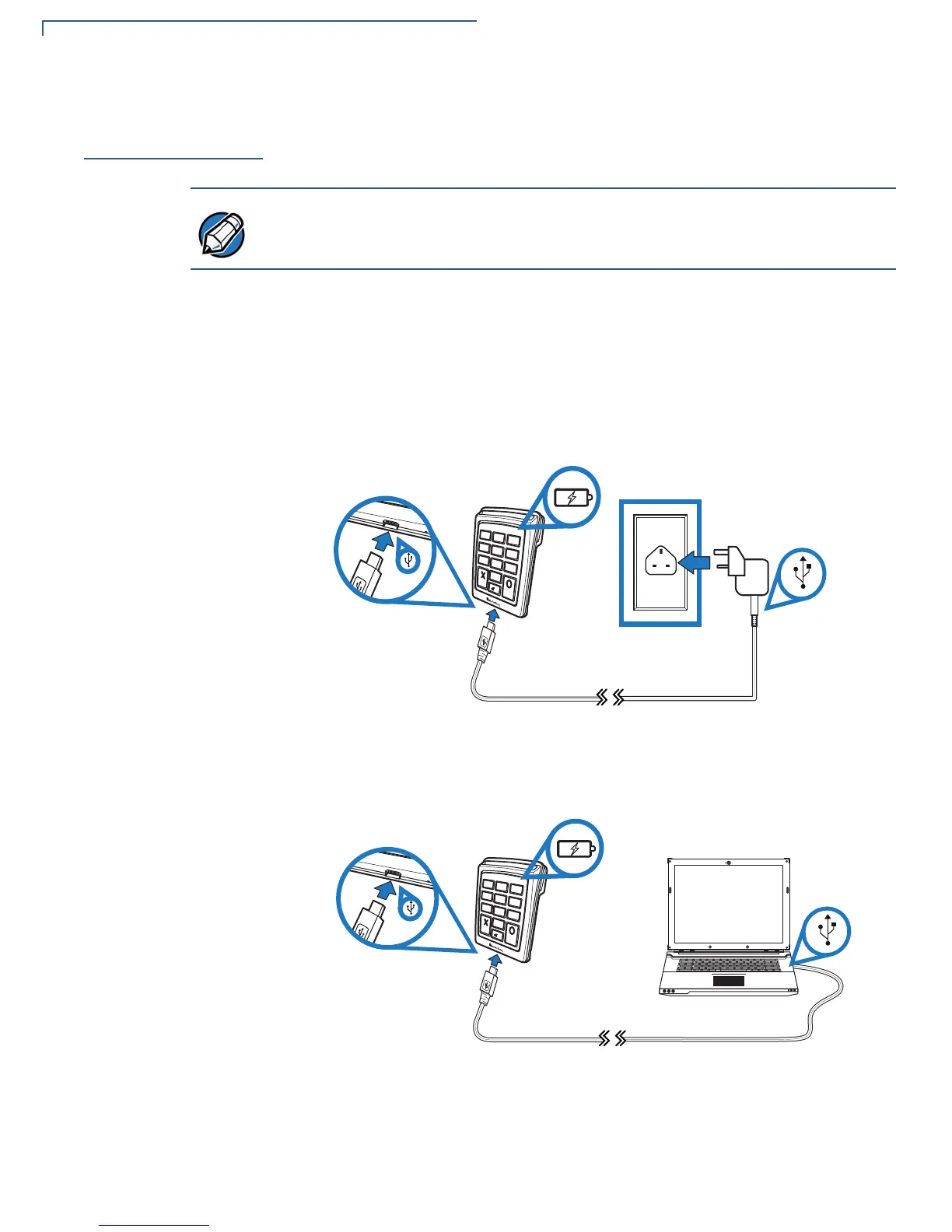
Use the Micro-USB cable to connect the e105 to a computer or a USB wall mount
charger to charge the battery.
1 Insert the micro-USB connector into the port located at the bottom of the
e105.
2 There are two ways to charge the e105.
• Connect the other end of the Micro-USB cable into a VeriFone certified
USB wall mount charger and plug into an outlet or powered surge
protector.
Figure 8 Connecting the e105 to an external power source
• Connect the other end of the Micro-USB cable to the USB port on a
computer.
Figure 9 Connecting the e105 to a host computer
You can also upgrade the e105 software when connected to a computer.



 To Next Page