SETUP
Using the Magnetic Stripe Reader
20 E105 INSTALLATION GUIDE
Using the
Magnetic Stripe
Reader
Use the magnetic stripe reader, located on top of the e105, to conduct credit and
debit card transactions.
To Conduct a Credit
or Debit Card
Transaction
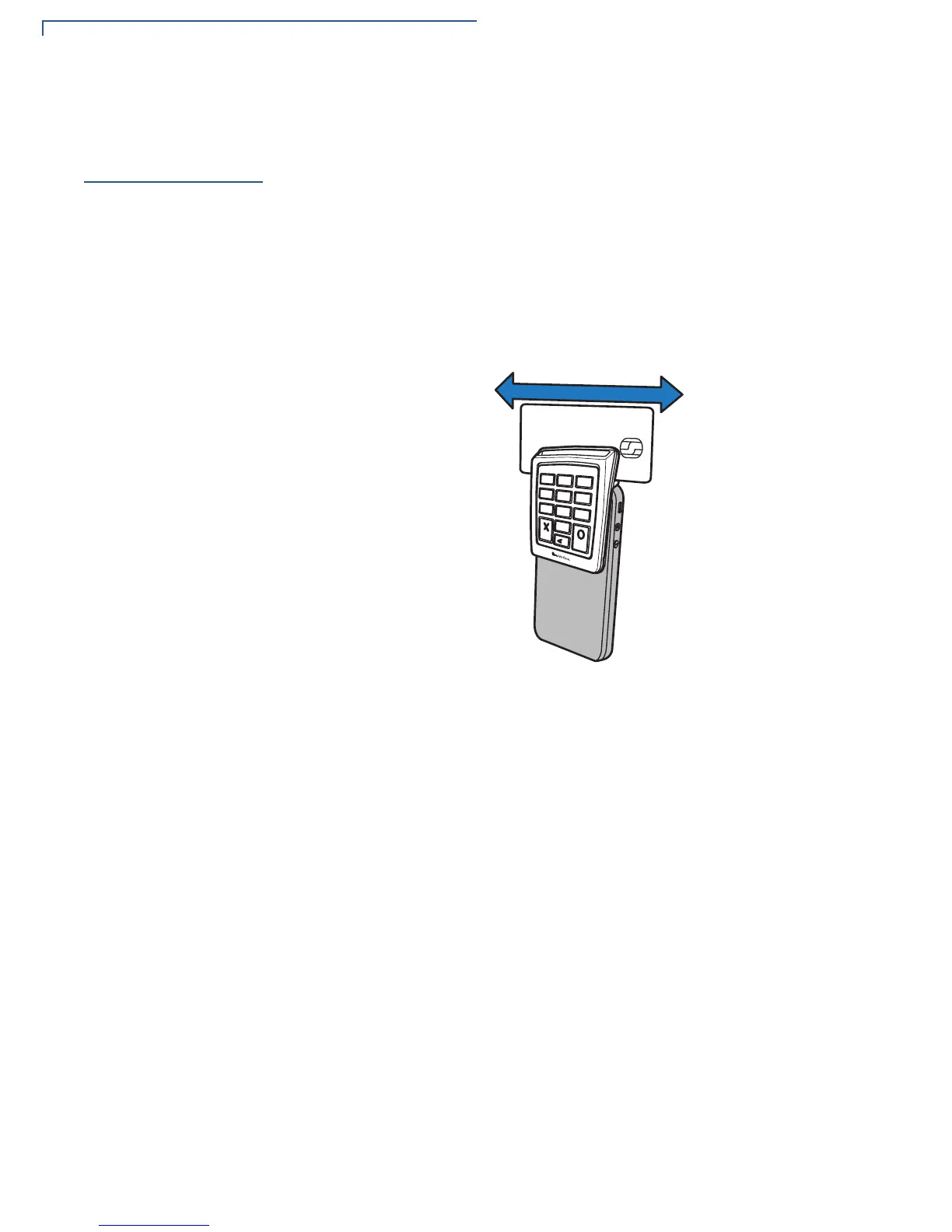
1 Position the magnetic card in the card reader, with the magnetic stripe facing
backward, away from the e105.
2 To ensure a proper read of the magnetic swipe card, insert the magnetic card
from either side of the unit, as shown in
Figure 12.
3 Swipe the card through the magnetic card reader from one side to the other.
Figure 12 Conducting a debit or credit card transaction
1
2
3
5
8
0
6
9
4
7
*
*
*
*
8888888888888888



 To Next Page