Working with Graphs
66
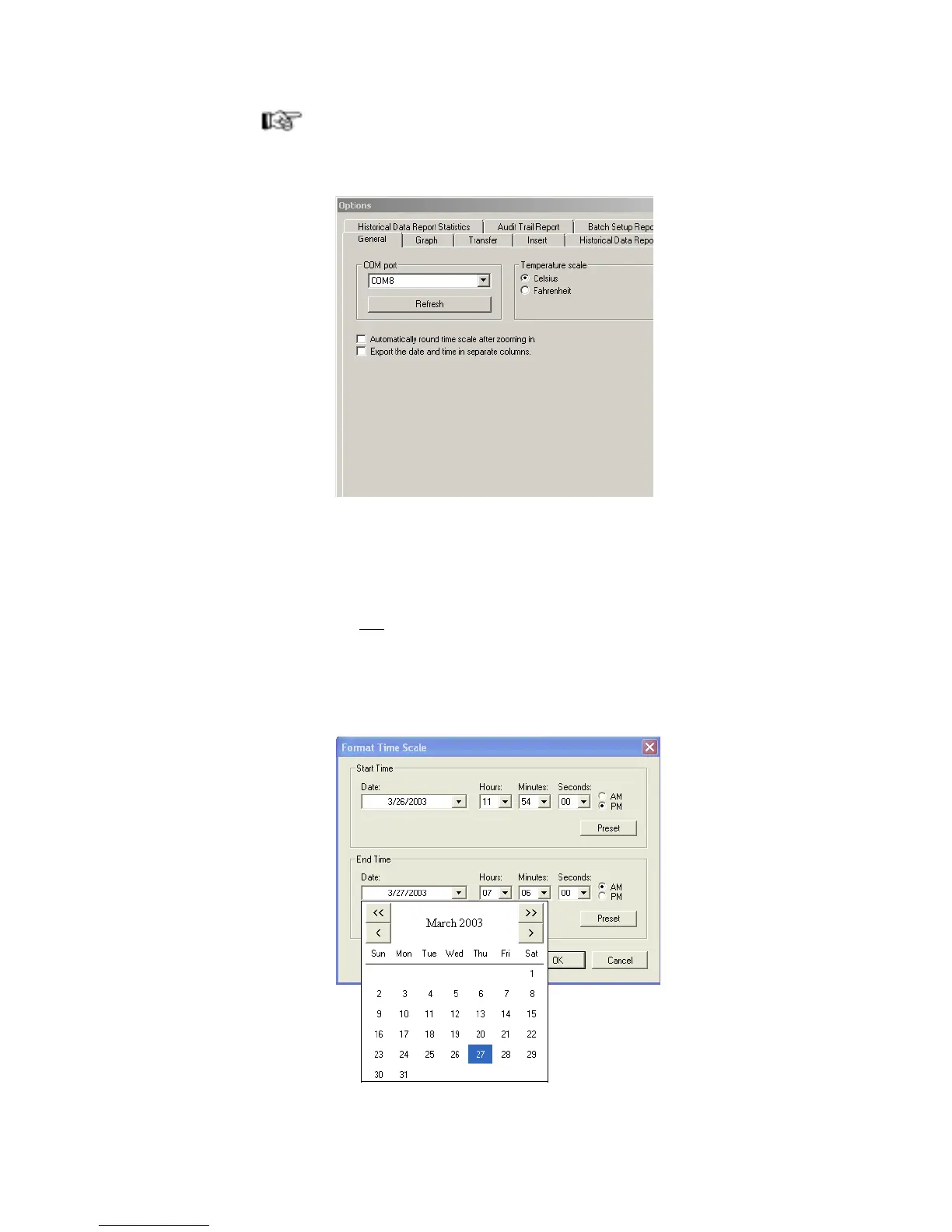
Note: If you have difficulty stretching the Zoom box accurately over the data,
try turning off the Time Scale rounding setting. Select Tools>Options,
then choose the General tab and clear the Automatically round off
time scale after zooming in check box.
Zooming In by Formatting the Time Scale
To zoom in by formatting the time scale:
1. Do one of the following:
• Select Format>Time Scale...
• Place the cursor over the date and time at the bottom of the graph, and
right-click, and then select Format>Time Scale...
The Format Time Scale window opens.



 To Next Page