Working with Graphs
76
Printing Graphs
Printing Line Numbers on Graphs
vLog displays lines on graphs in different colors. For monochromatic printers,
vLog automatically adds numbers to the graph lines when the graph is printed.
To change this option:
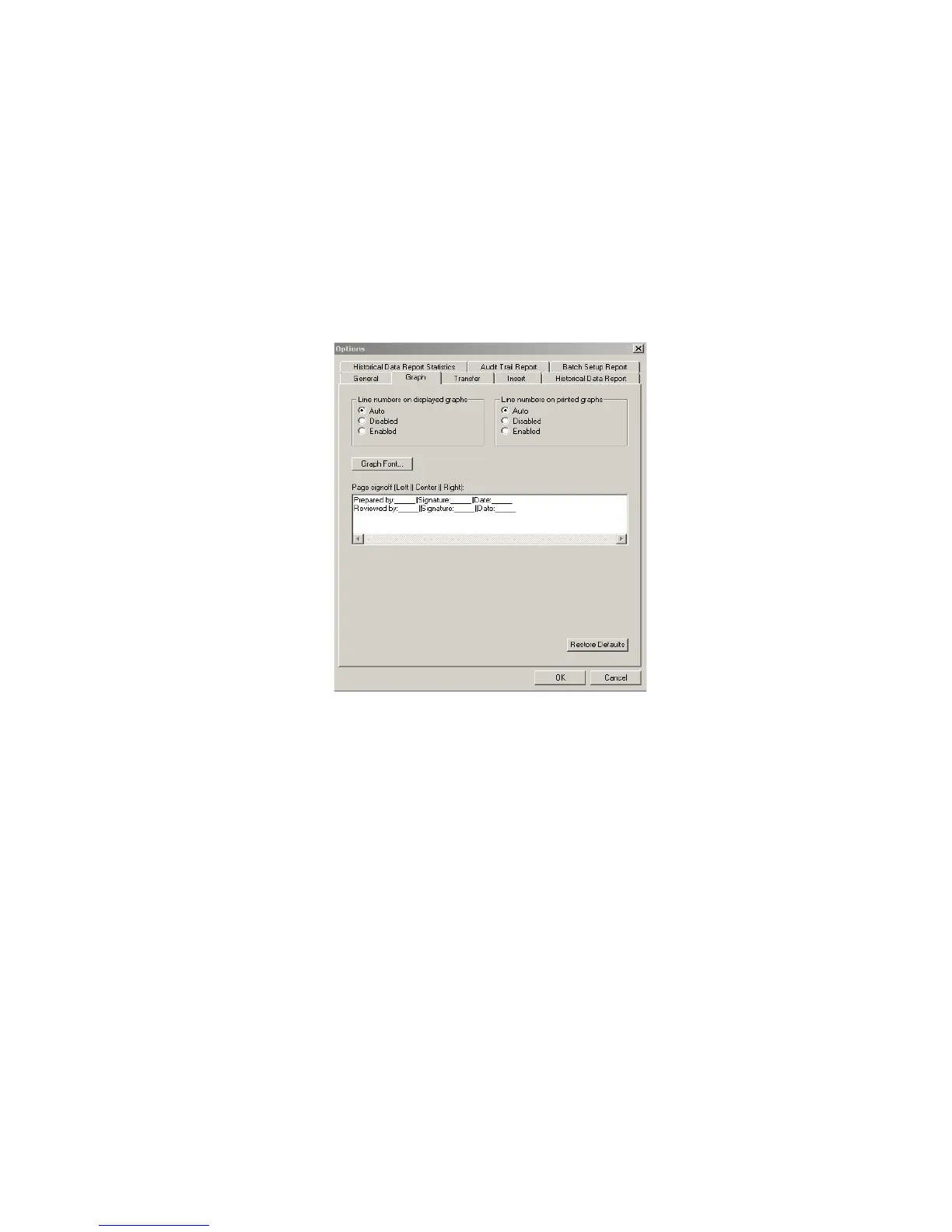
1. Select Tools>Options, then choose the Graph tab.
2. Under Line numbers on printed graphs, select one of the following op-
tions.
3. Click OK.
Auto Lines are numbered if the graph is printed on a monochro-
matic printer and not numbered if the graph is printed on a
color printer.
Disabled Lines are not numbered on the printed graph, even if it is
printed on a monochromatic printer.
Enabled Lines are numbered on the printed graph, even if it is
printed on a color printer.



 To Next Page