Veriteq vLog 4.4 User’s Guide
77
Printing Footers on Graphs
To print footers on graphs:
1. Select Tools>Options, then choose the Graph tab.
2. Edit the footer content in the Page signoff box. To justify items, use pipe
“||” characters, as in left-justified content || center justified content || right-
justified content.
3. Click OK.
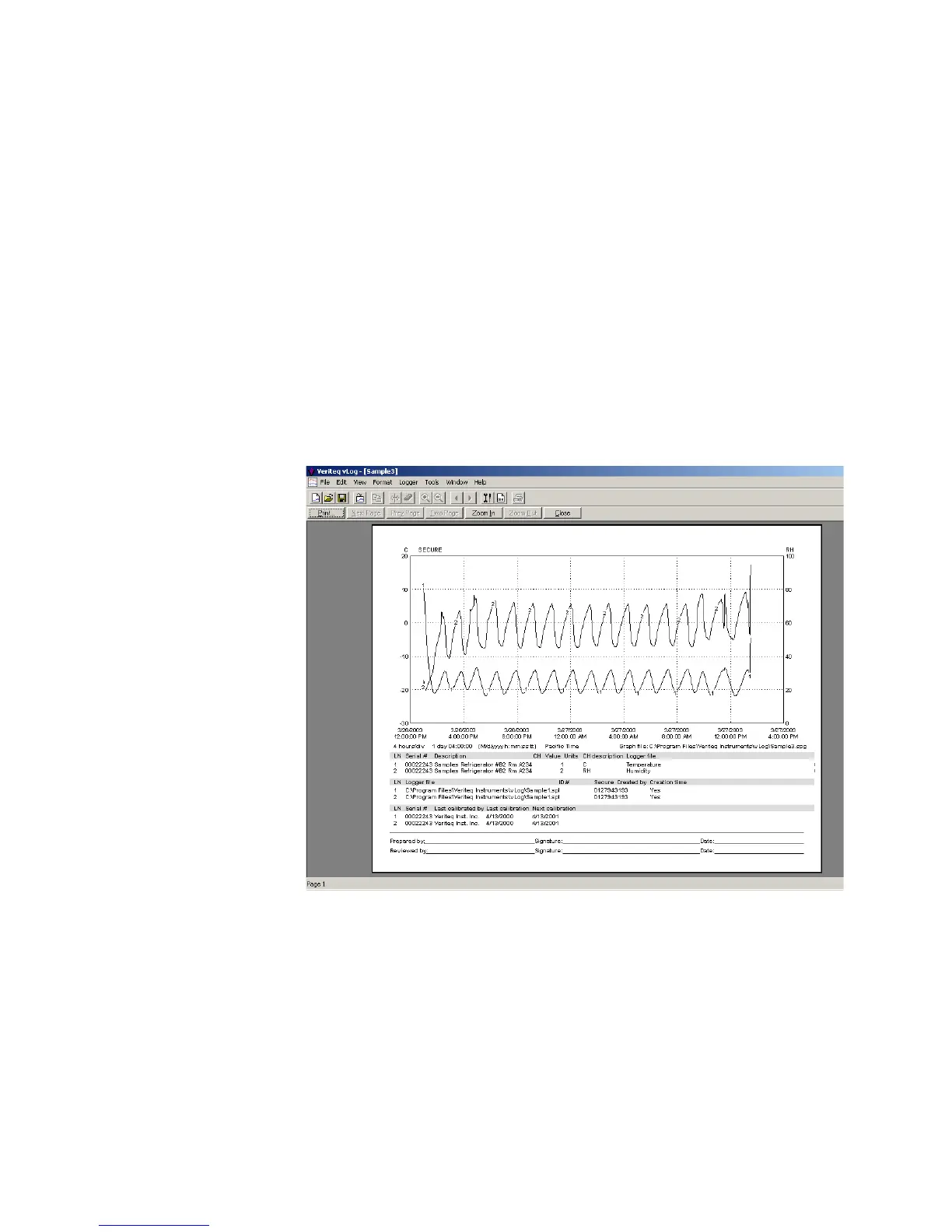
Print Preview
To view a print preview of the current graph:
1. Select File>Print Preview.
The Print Preview window opens.
2. If you want to view the graph in more detail, select Zoom In.
3. When you are ready to print the file, select Print....



 To Next Page