Veriteq vLog 4.4 User’s Guide
69
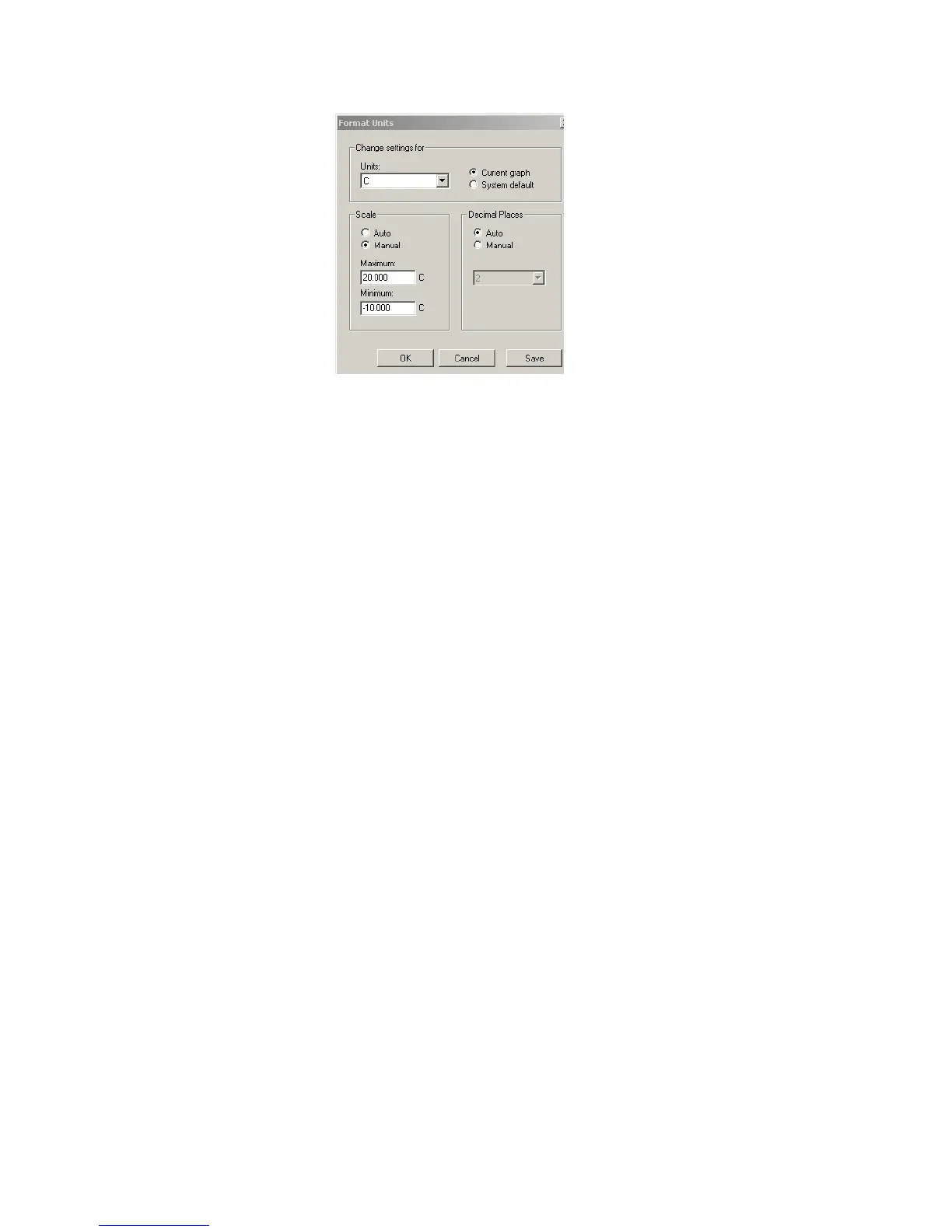
2. Under Units, use the drop-down list to select the measurement units you
want to change.
3. Under Change Settings For, use the drop-down list to select where you
want the changes to apply—the Current Graph or System Default. If you
select System Default, the settings entered here automatically apply to oth-
er new graphs that use the same units.
4. Under Decimal Places, select the Manual option and use the drop-down
list to select the desired number of decimal places.
5. Click Save to save changes, and OK to close.
Changing the Temperature Scale
You can display temperature in Fahrenheit or Celsius.
To change the temperature scale:
1. Select Tools>Options, then choose the General tab.



 To Next Page