5. Web User Interface
The MoCA Ethernet Adapter’s Web User Interface (Web UI) allows you to check the current
status of the device and congure its various functions. Ensure you click the Save button
to save your settings after making changes. After completing the conguration, reset the
device for the settings to take effect (please refer to Section 5.3.1 on how to reset the device).
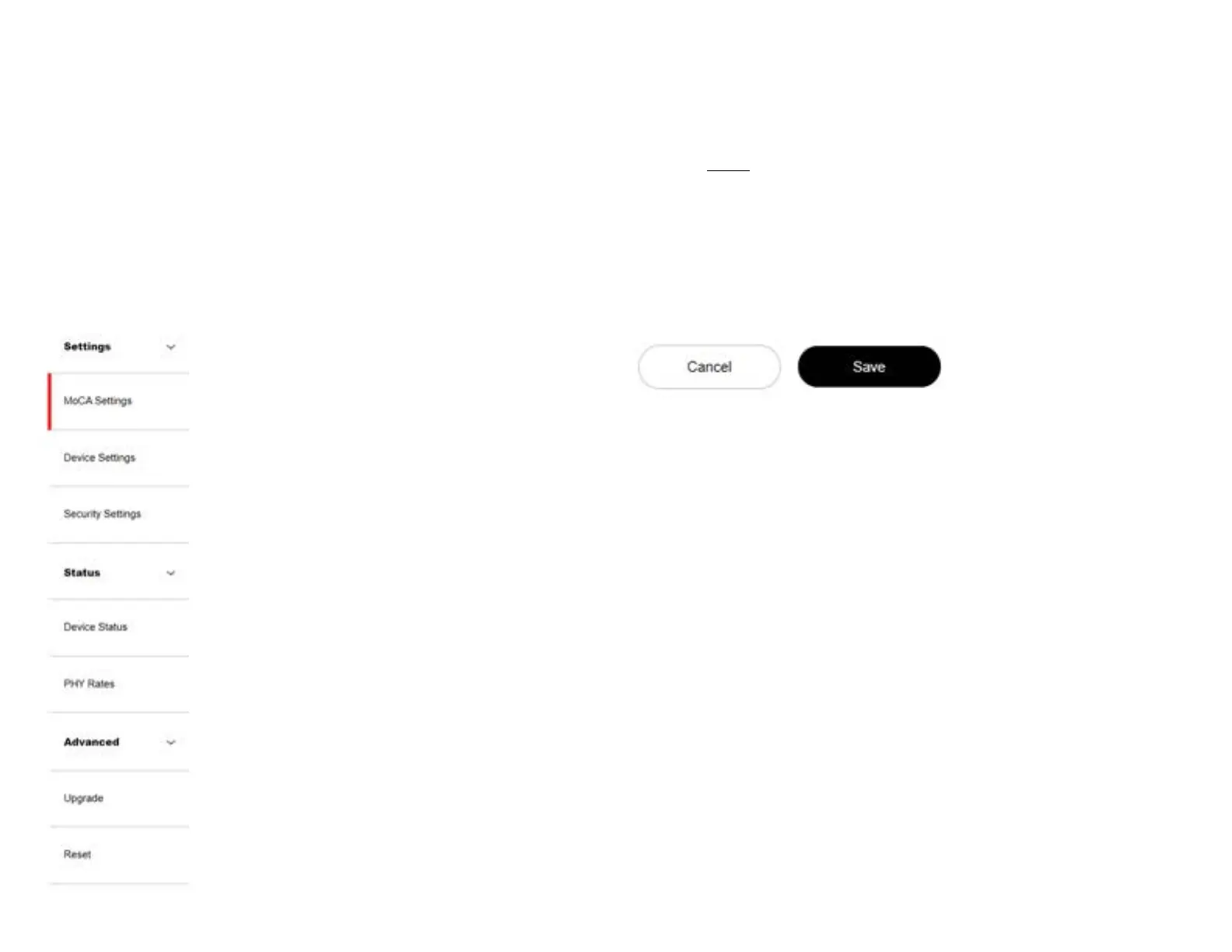
Menu
Save
Use the left side of the menu to navigate.
Remember to save your changes by clicking on the
save button.
8


 To Next Page