5.3 Advanced
5.3.1 Reset
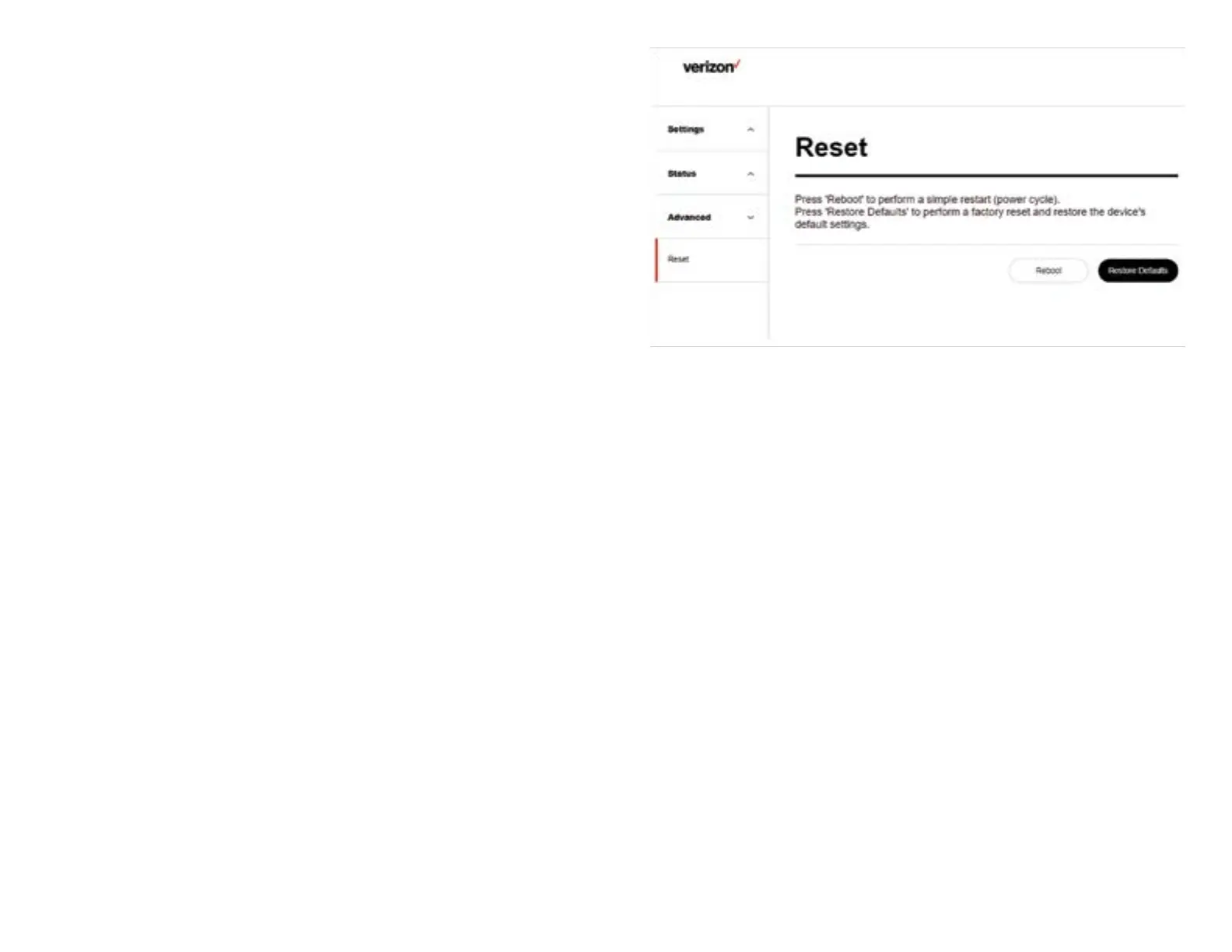
You can reset the device or reset all the settings of the device
to factory defaults at this page. The buttons Reboot or Restore
Defaults will restart the system. You may need to look up the
IP address and use the default username and password if the
Restore Defaults is performed.
Reset
Reboot Click the Reboot button to
restart the system. It takes
around 10 seconds to reboot
the device.
Restore Defaults Click the Restore Defaults
button to restore the
settings of the device to
factory default values.
18


 To Next Page