52 53
MESSAGING MESSAGING
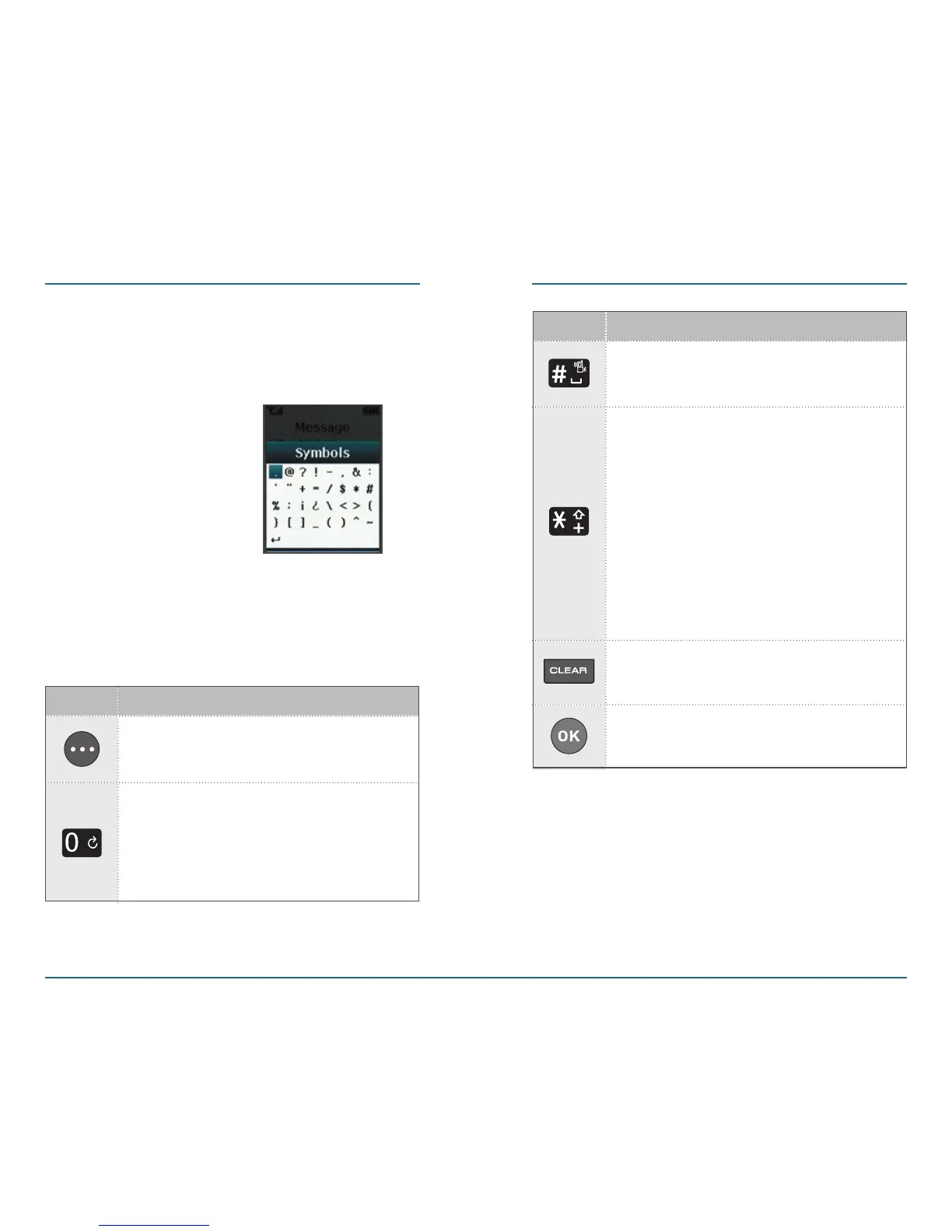
Symbol Mode
You can input punctuation, special
characters, and symbols in this mode.
The following illustrates the function
assigned to each key in the A
lpha
Editor.
Abc - Press to change mode.
[Abc][ABC][123][Word][Symbols]
KEY FUNCTION
Next - Press to view the next
matching word if the highlight
-
ed word is not the word you
intended in Word input mode.
KEY FUNCTION
Space - Press to accept a word
and add a space.
Caps Lock - Press to select a
letter case of the standard text
input or T9 text input mode.
[Abc], [ABC] and [abc] indicate
the standard text input. [Word],
[WORD] and [word] indicate the
predictive text input. Press and
hold to change mode.
OK - Confirm the letters and
numbers you entered.
Clear - Press to delete a charac-
ter to the left of the cursor.














 To Next Page