90 91
SETTINGS SETTINGS
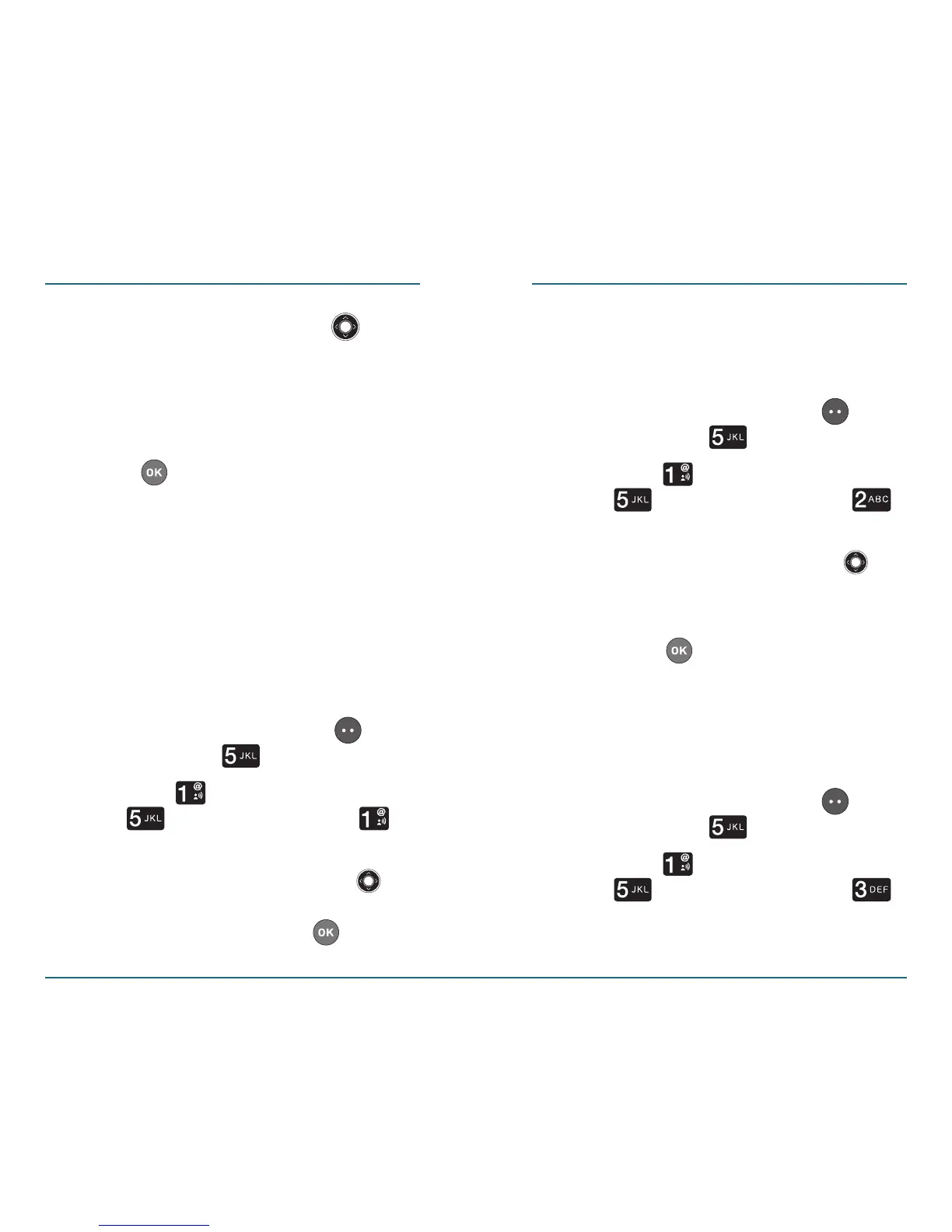
Press the Navigation Key
up or down to select from the
following options: High, Medium,
Low, or Off.
Press to save the setting.
H
Voice Commands
This function enables you use your voice
to look up contacts, make phone calls,
check Voice mail, and activate your
speakerphone.
•
Menu Readout: Your device reads
out all of its’ menus for you.
Press the Left Soft Key
[Menu] ⁄ [Settings].
Press [Sounds Settings] ⁄
[Voice Commands]⁄
[Menu Readout].
Press the Navigation Key
up or down
, select either “On”
or “Off”, then
press to save
the setting.
•
Digit Dial Readout: This function
will read you each number you
press on the keypad.
Press the Left Soft Key
[Menu] ⁄ [Settings].
Press [Sounds Settings]⁄
[Voice Commands] ⁄
[Digit Dial Readout].
Press the Navigation Key up
or down to select either “On”
or “Off”
.
Press to save the setting.
•
Launch Keys: You can setup voice
command functionality by selecting
“Voice Key Only” or “Key & Flip
Open“.
Press the Left Soft Key
[Menu] ⁄ [Settings].
Press [Sounds Settings] ⁄
[Voice Commands] ⁄
[Launch Keys].














 To Next Page