108 109
PHONE INFOSETTINGS
Press the Navigation Keys
up or down to select “Normal”
or “Long”.
Press to save the setting.
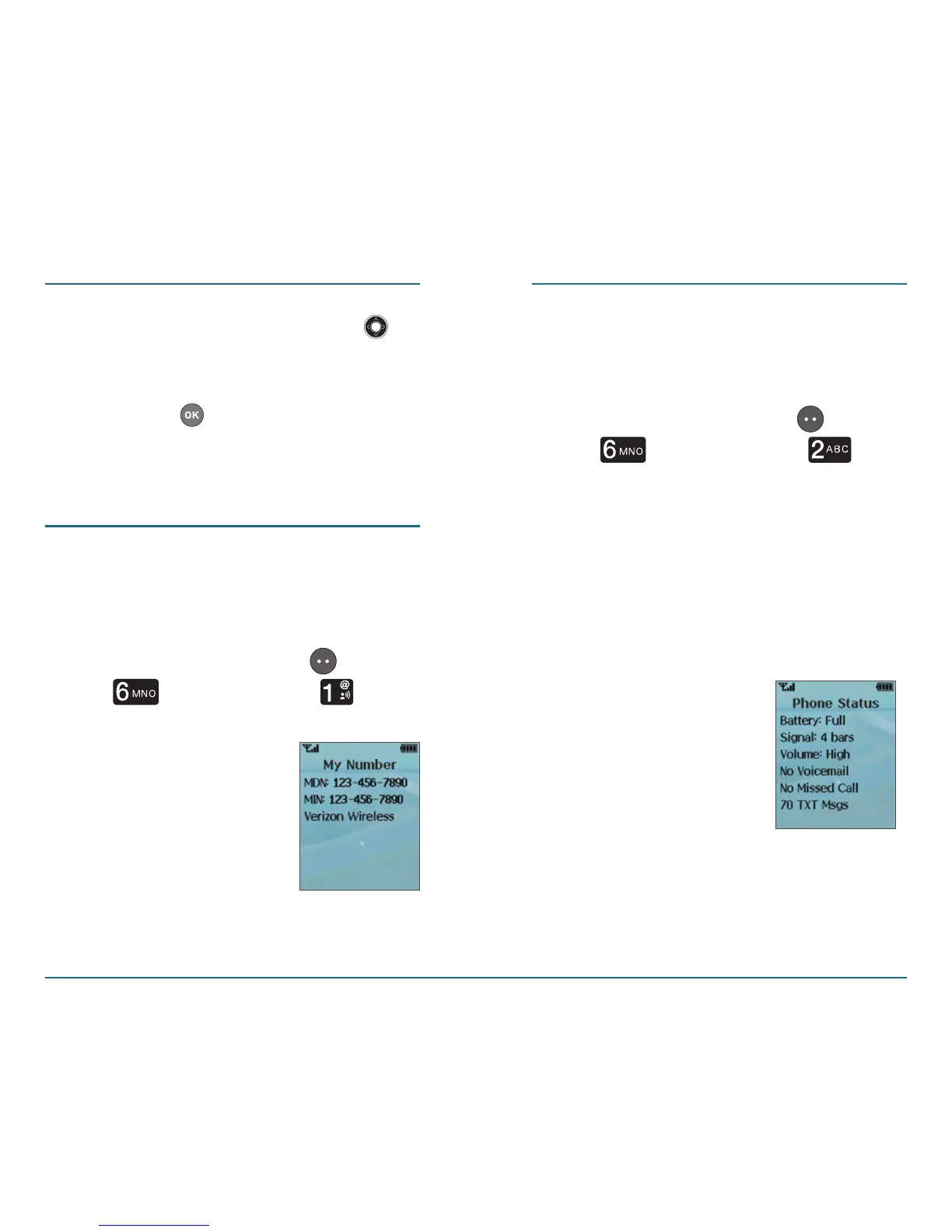
My Number
This function displays your phone
number.
Press the Left Soft Key [Menu]
⁄ [Phone Info] ⁄ [My
Number].
PHONE INFO
Phone Status
You can view the status of your device
from this screen.
Press the Left Soft Key [Menu]
⁄ [Phone Info] ⁄
[Phone Status].
The Phone Status screen will
display the following information:
Battery, Signal, Volume, Voicemail,
Missed Call, and TXT Msg or TXT
Msgs.














 To Next Page