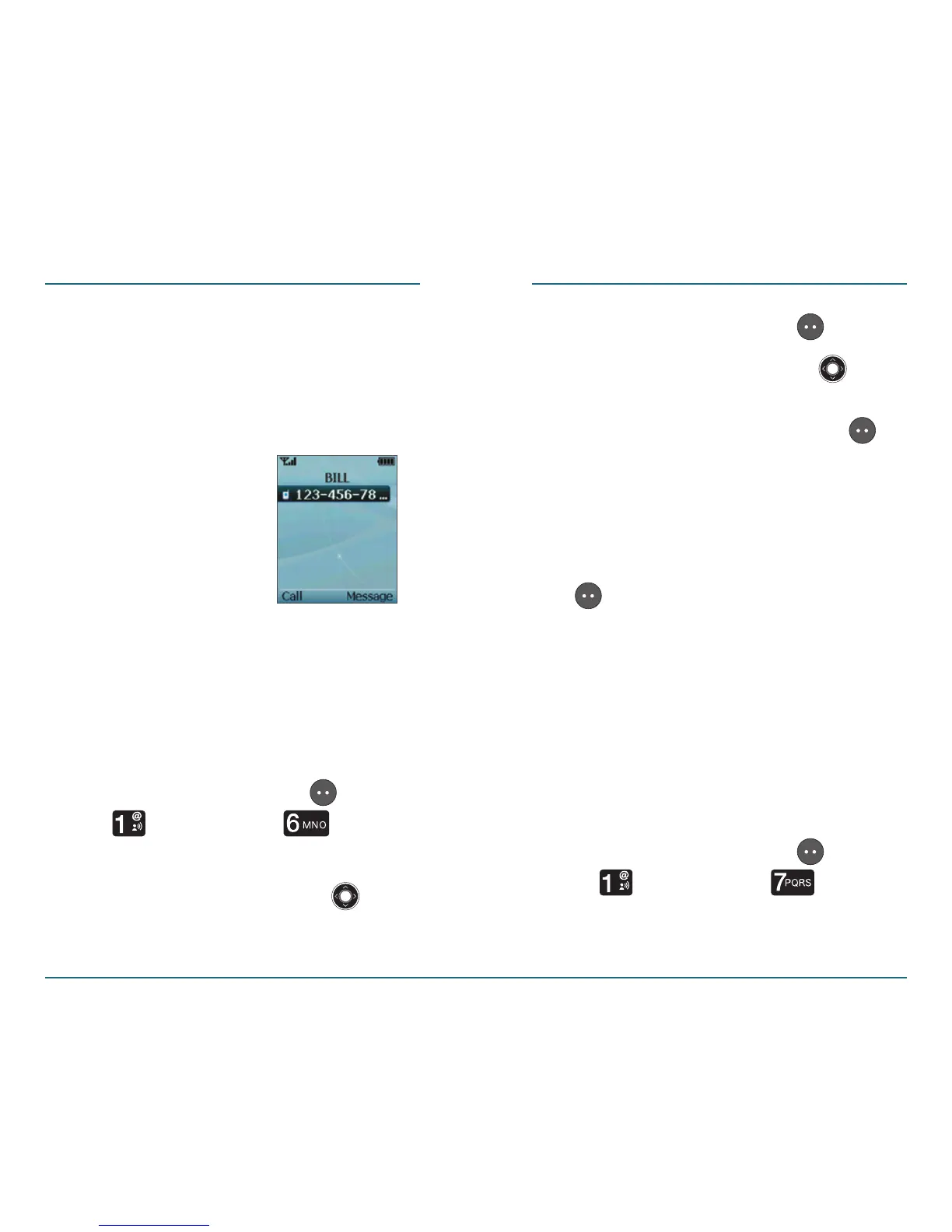
•
Reassign - To assign a new contact
to that In Case of Emergency key.
•
Unassign - To delete the contact
from that In Case of Emergency
key.
H
Personal Info
This function enables you to add
personal notes, including allergies,
medications and other health
information.
Press the Left Soft Key [Menu]
⁄ [Contacts] ⁄ [In Case
of Emergency
].
Press the Navigation Key up
or down to select “Personal Info“.
CONTACTS CONTACTS
Press the Left Soft Key [View].
Press the Navigation Key up
or down to choose Note 1, 2 or 3,
then press the Left Soft Key
[Add].
Using the keypad, enter the
information you would like to
add, then press the Left Soft Key
[Save].
My Name & Number
This function enables you to create your
own business card, so that you can send
all your details upon request by TXT
message.
H
Enter Your Name
Press the Left Soft Key [Menu]
⁄ [Contacts] ⁄ [My
Name & Number
].
36 37





 To Next Page