78 79
•
Frequency: You can select alarm
frequency by pressing the
Navigation Key
left or right
(Once, Daily, Mon - Fri, Weekends).
•
Sound: You can select alarm sound
by pressing the Right Soft Key
[Set].
Press the Left Soft Key [SAVE].
H
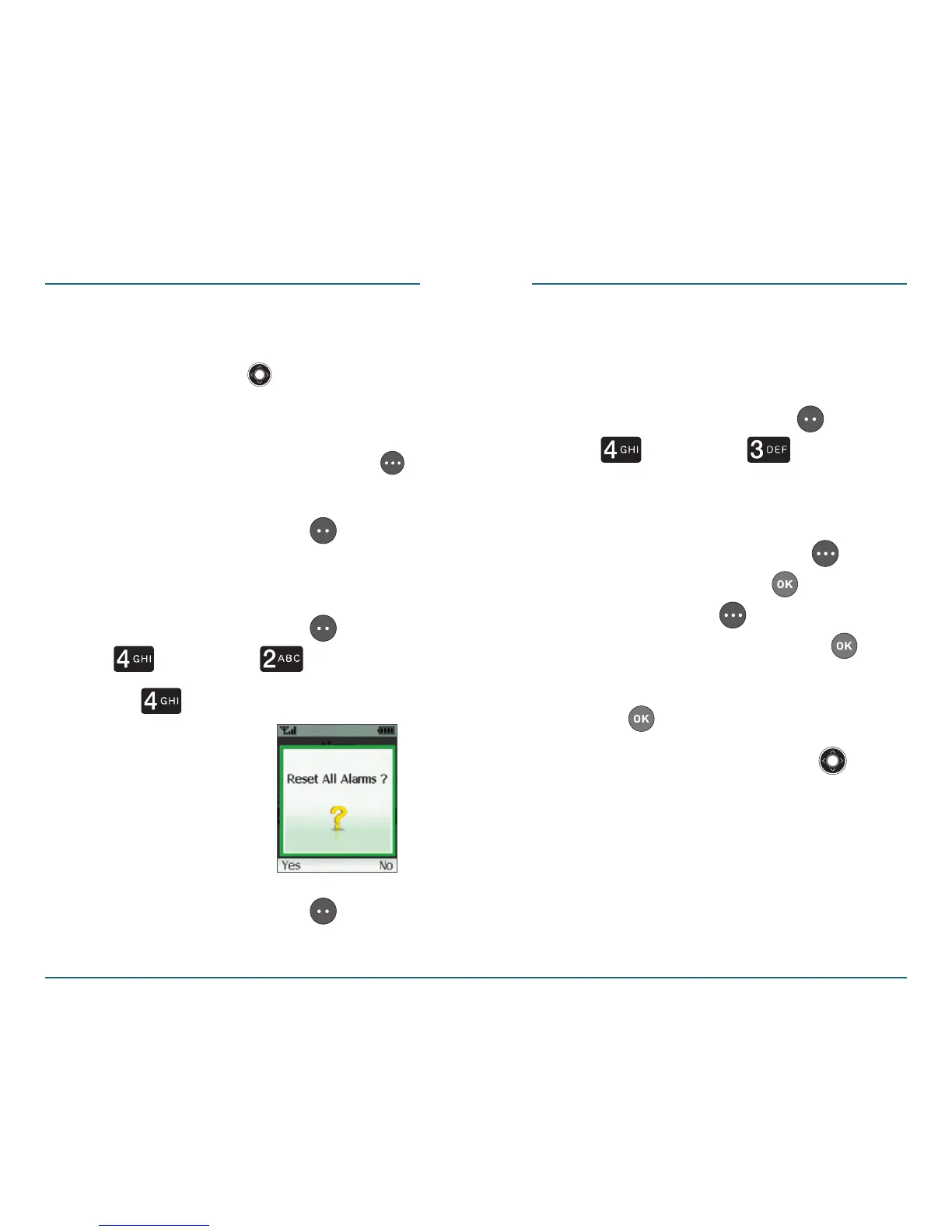
Resetting All Alarms
Press the Left Soft Key [Menu]
⁄ [Tools] ⁄ [Alarm].
Press [Reset All].
Press the Left Soft Key [Yes] to
reset all alarms.
World Clock
This function informs you of the local
time throughout the world.
Press the Left Soft Key [Menu]
⁄ [Tools] ⁄ [World
Clock].
To set Daylight Saving Time (DST),
press the Right Soft Key
[DST]
⁄ “On” or ”Off” ⁄ . Press the
Right Soft Key
[DST], select
“On” or “Off”, then press to
save.
Press to save it.
Press the Navigation Key up,
down, left, or right to see the
time in other cities.
TOOLSTOOLS














 To Next Page