86 87
•
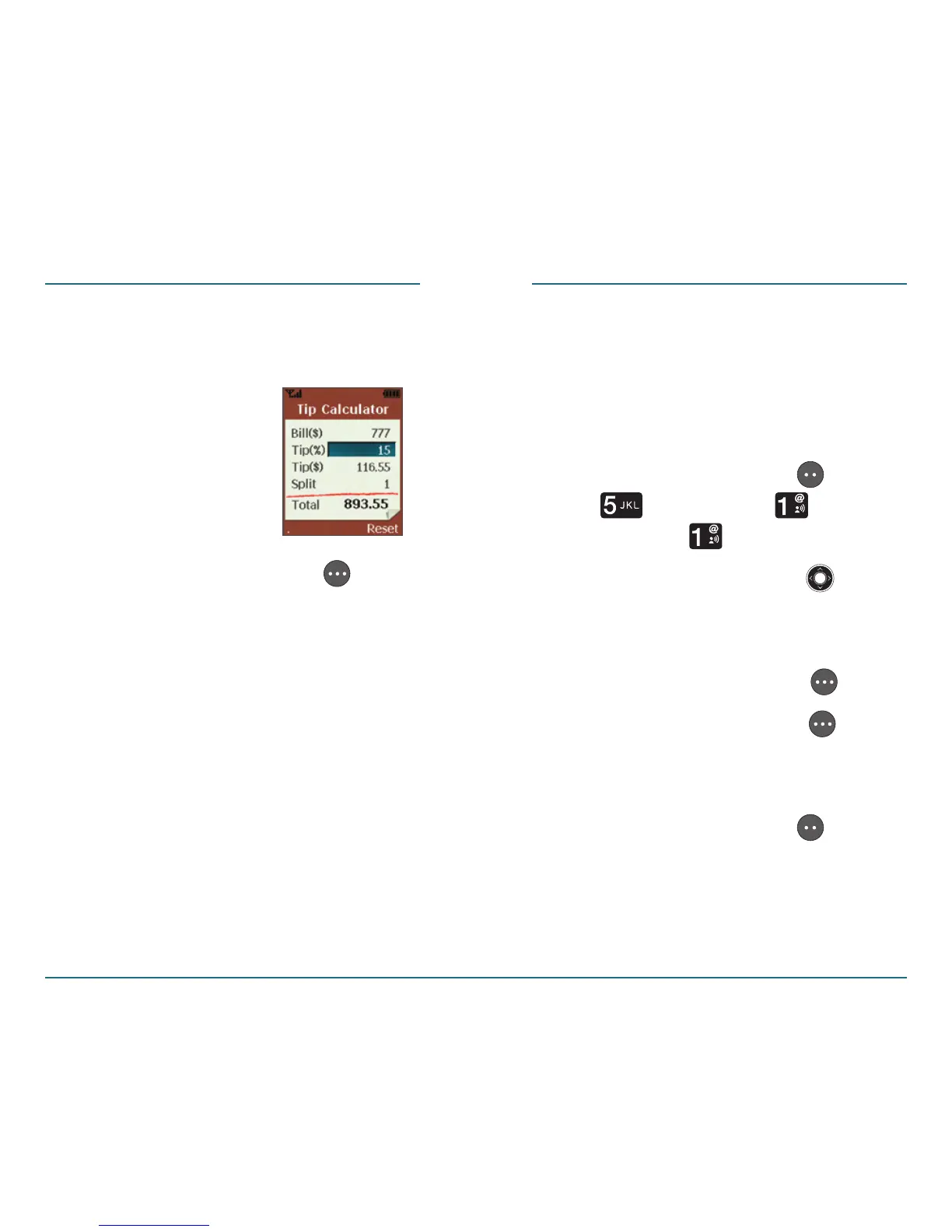
Split: Using the keypad, enter the
number of ways the bill is to be
split.
Press the Right Soft Key
[Reset] to reset.
TOOLS SETTINGS
Sounds settings
H
Ringtone
This function enables you to select,
preview and set a ringer.
Press the Left Soft Key [Menu]
⁄ [Settings] ⁄ [Sounds
Settings] ⁄ [Ringtone].
Use the Navigation Key up
or down etc. to select a tone to
preview.
Press the Right Soft Key [Play].
Press the Right Soft Key
[Stop]
when you are done previewing/
listening.
Press the Left Soft Key [Select]
to set your ringtone.














 To Next Page