96 97
•
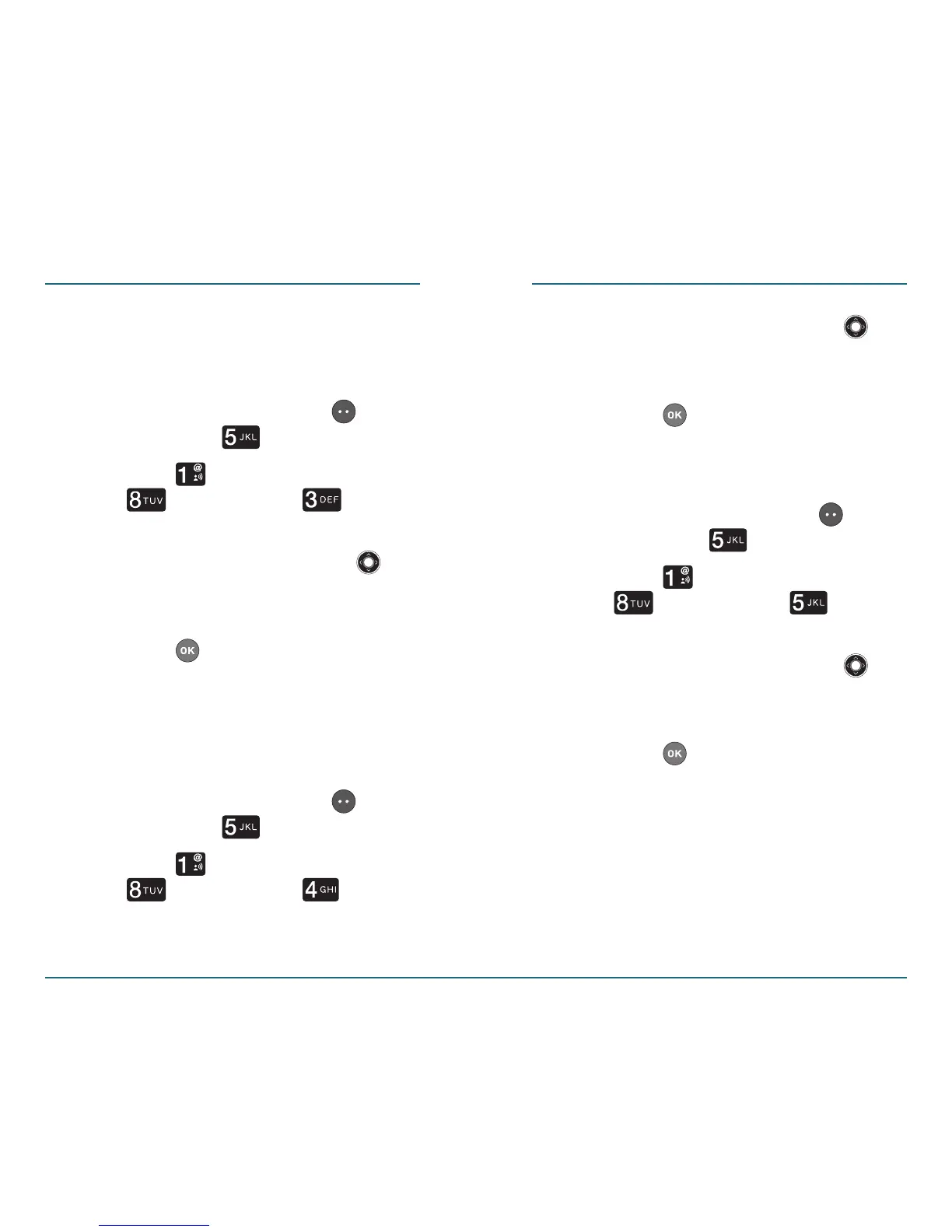
Roam Tone: You can choose to have
your phone play a tone when you
enter a roaming area
.
Press the Left Soft Key
[Menu] ⁄ [Settings].
Press [Sounds Settings] ⁄
[Advanced] ⁄ [Roam
Tone
].
Press the Navigation Key
up or down to select “On” or
“Off”.
Press to save the setting.
•
Minute Beep: You can choose to
have your phone alert you at one
minute intervals while you are on a
call.
Press the Left Soft Key
[Menu] ⁄ [Settings].
Press [Sounds Settings] ⁄
[Advanced] ⁄ [Minute
Beep].
SETTINGS SETTINGS
Press the Navigation Key
up or down to select “On” or
“Off”.
Press to save the setting.
•
Call Disconnect: You can select to
hear a tone when you end a call.
Press the Left Soft Key
[Menu] ⁄ [Settings].
Press [Sounds Settings] ⁄
[Advanced] ⁄ [Call
Disconnect].
Press the Navigation Key
up or down to select “On” or
“Off”.
Press to save the setting.














 To Next Page