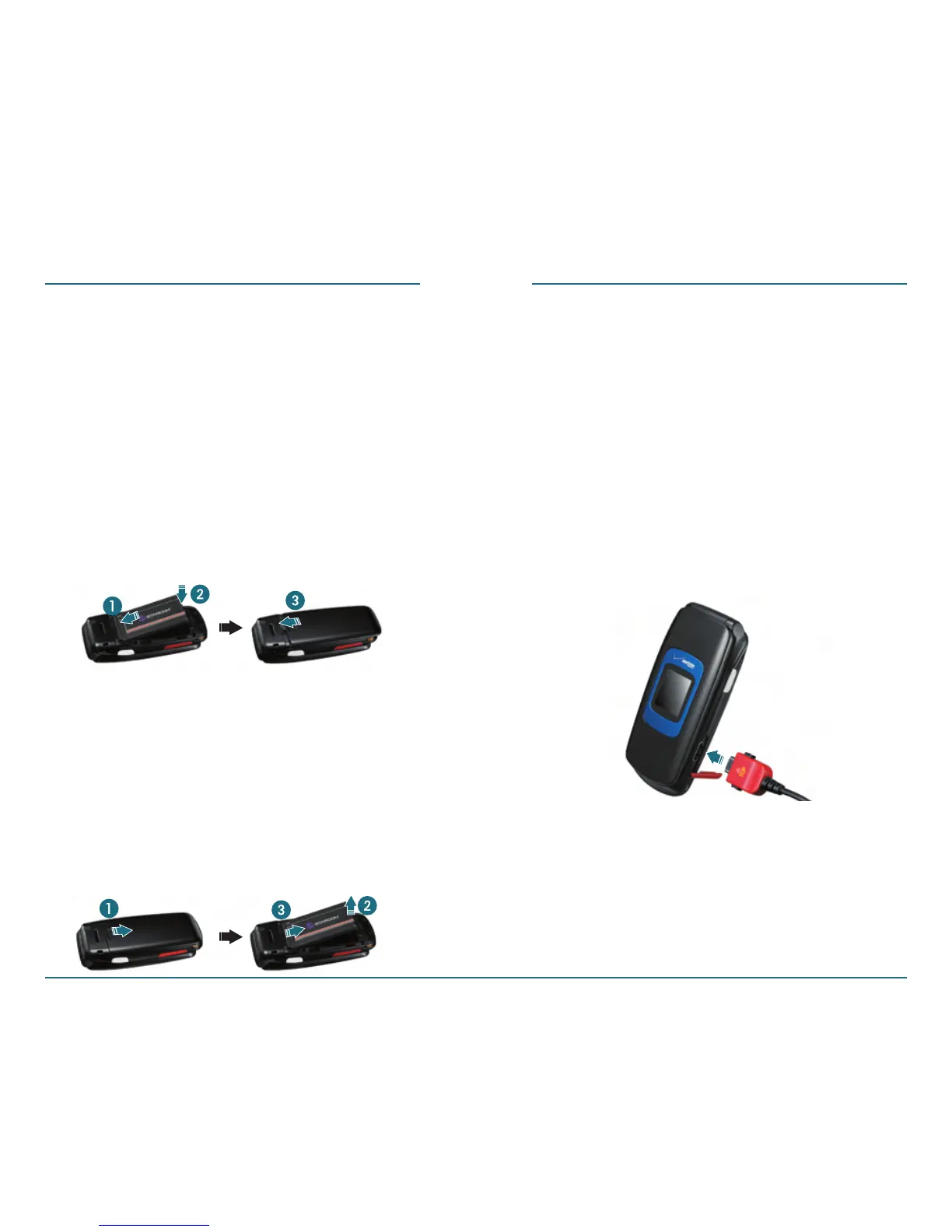
Insert Battery
Insert the gold-colored contact end
of the battery into the battery slot.
Press the bottom side of the
battery as below.
Fit in the battery cover on the
guide rail and push up with both
hands.
Removing Battery
Remove the battery cover from the
unit.
Push the bottom of the battery
upwards.
Remove the battery as below.
12 13
BATTERY USAGE BATTERY USAGE
Charging Your Battery
H
Charging With Travel Charger
Plug the Travel Charger connector
into a standard AC outlet.
Put the charging connector of
travel charger into the charger slot
on the right side of the device.














 To Next Page