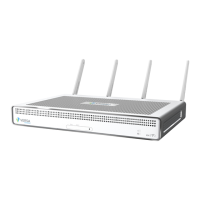
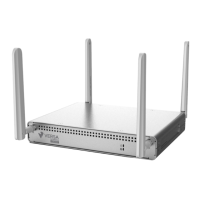
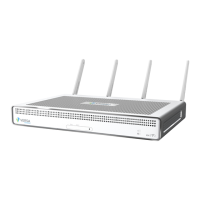
~|}ïï),2!"/3& "01"46||"/&"0
Planning and Installationïï16
When planning your site for installing a CSG700 series appliance in a 19-inch rack, allow a minimum of 0.5 RU space
above the appliance to allow hot air to flow out of the appliance. However, itt is recommended that you allow 1 RU
space above the appliance for cooling.
When placing a CSG700 series appliance on a desk, ensure that the vents on the top of the unit are never blocked,
to allow hot air to flow out of the appliance. Covering the vents prevents heat from dissipating out of the appliance,
which will cause the chassis to overheat and then shut down.
3.4 Install a CSG700 Series Appliance
This article provides instructions about how to unpack a CSG700 series appliance and mount it in a 19-inch rack.
3.4.1 Unpack a CSG700 Series Appliance
The CSG700 series appliance is packed in a plastic box, and it is shipped in a cardboard carton, secured with foam
packing material. The carton also contains an accessory box.ïIt is recommended that you unpack the appliance
only when you are ready to install it.
To unpack a CSG700 series appliance:
1. Open the top flaps of the cardboard carton.
2. Remove from the box the foam packing material holding the appliance and the accessories in place. See
Figure 1.
3. Remove the accessory box and the appliance from the foam packing material.
4. Remove the accessories from the accessories box.
5. Verify the components against the packing list that is included in the box.
Figure 1: Unpacking a CSG700 Series Appliance



 To Next Page