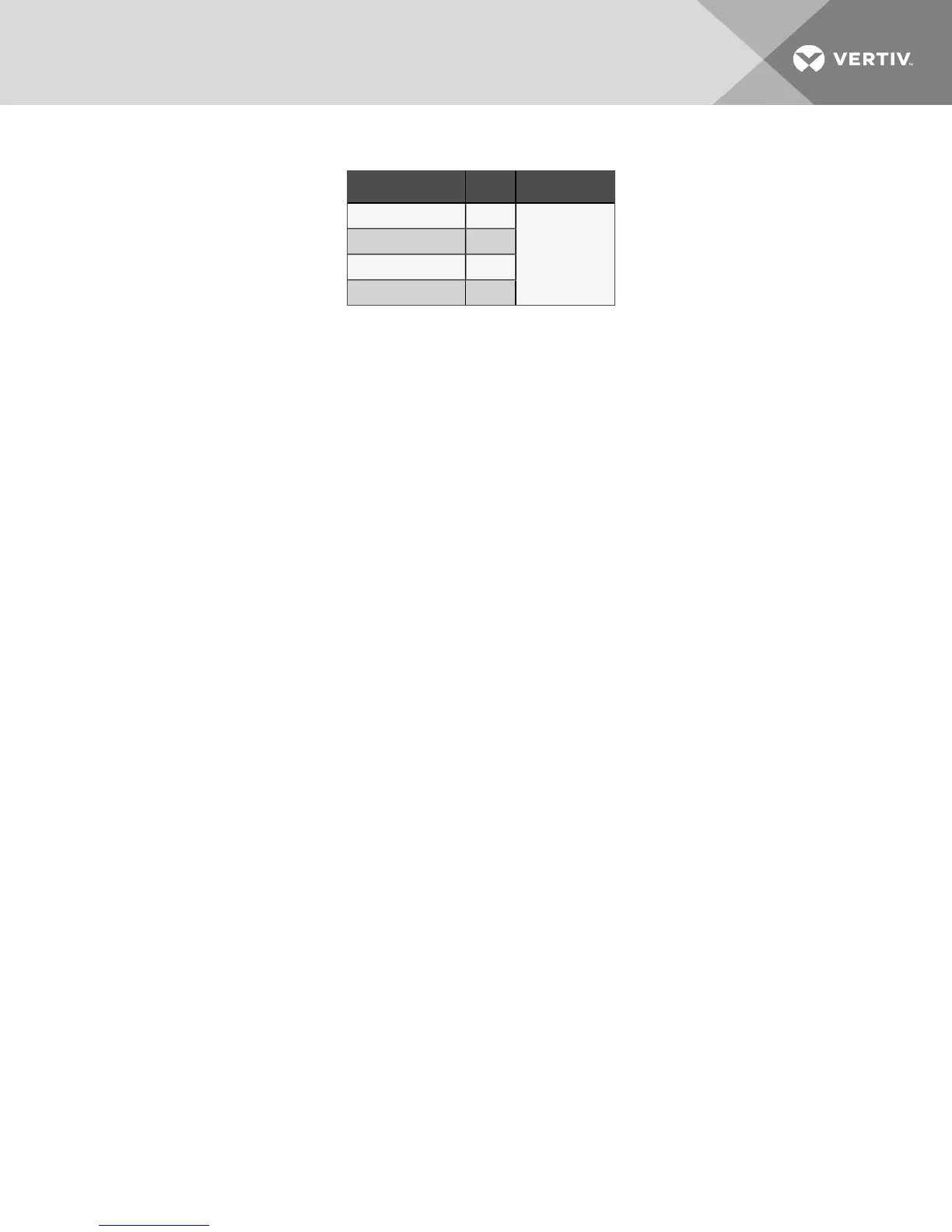
25. Use the UP or DOWN arrow button to select one of three options:
Configuration Code Fan # Value
C03 Fan 1
0 = No Fan
1 = EBM Papst
2 = Ziehl-Abegg
C04 Fan 2
C05 Fan 3
C06 Fan 4
26. Press the ENT button.
27. If the new value is entered into the control board, the display flashes "888."
28. Press the ESC button to display C03 .
29. Repeat steps 20 through 27 for the remaining fans’ configuration codes, C04, C05 and C06.
30. Unplug all the contactor output plugs except for the fan to be addressed. Plugs are:
• P23 = Fan 1
• P27 = Fan 2
• P28 = Fan 3
• P29 = Fan 4
31. Wait 30 seconds.
32. Use the UP or DOWN arrow button to select one of the following parameters.
The correct parameter depends on the supplier of the fan that will be addressed.
• C00—EBM Papst fan
• C01—Ziehl-Abegg fan
33. Press the ENT button.
34. Use the UP or DOWN arrow button to the correct fan address number. Fan 1 should be 1 (fan
closest to electric panel end). Fan 2 should be 2, etc.
35. Press the ENT button. The display flashes "888 " when the command is accepted.
36. Press the ESC button for the parameter to be shown on the display.
37. Repeat steps 30 through 36 for the rest of the fans that need to be addressed.
38. After the last fan is addressed, unplug the power plug, P24, from the control board, and wait 30
seconds.
39. Plug all the contactor output plugs back into the board in their correct positions.
40. Plug P24 back into the control board.
41. After the control board completes its boot cycle and all the contactors are energized, wait
5seconds.
42. Press the ESC button.
43. Use the UP or DOWN arrow button until A-- is on the display.
44. Press ENT button.
8 Maintenance 39



 To Next Page