Turn on the UPS: Press and hold the button more than 0.5s to turn on the UPS.
Enter Key: Press this button to confirm the selection in setting menu.
Turn off the UPS: Press and hold the button more than 0.5s to turn off the UPS.
Esc key: Press this button to return to last menu in setting menu.
Battery test: Press and hold the button more than 0.5s to test the battery while in
AC mode and CVCF* mode.
UP key: Press this button to display next selection in setting menu.
Mute the alarm: Press and hold the button more than 0.5s to mute the buzzer.
Please refer to section 3-4-9 for details.
Down key: Press this button to display previous selection in setting menu.
Test/Up +
Mute/Down Button
Press and hold the two buttons simultaneous more than 1s to enter/escape the
setting menu.
* CVCF means Constant Voltage and Constant Frequency.
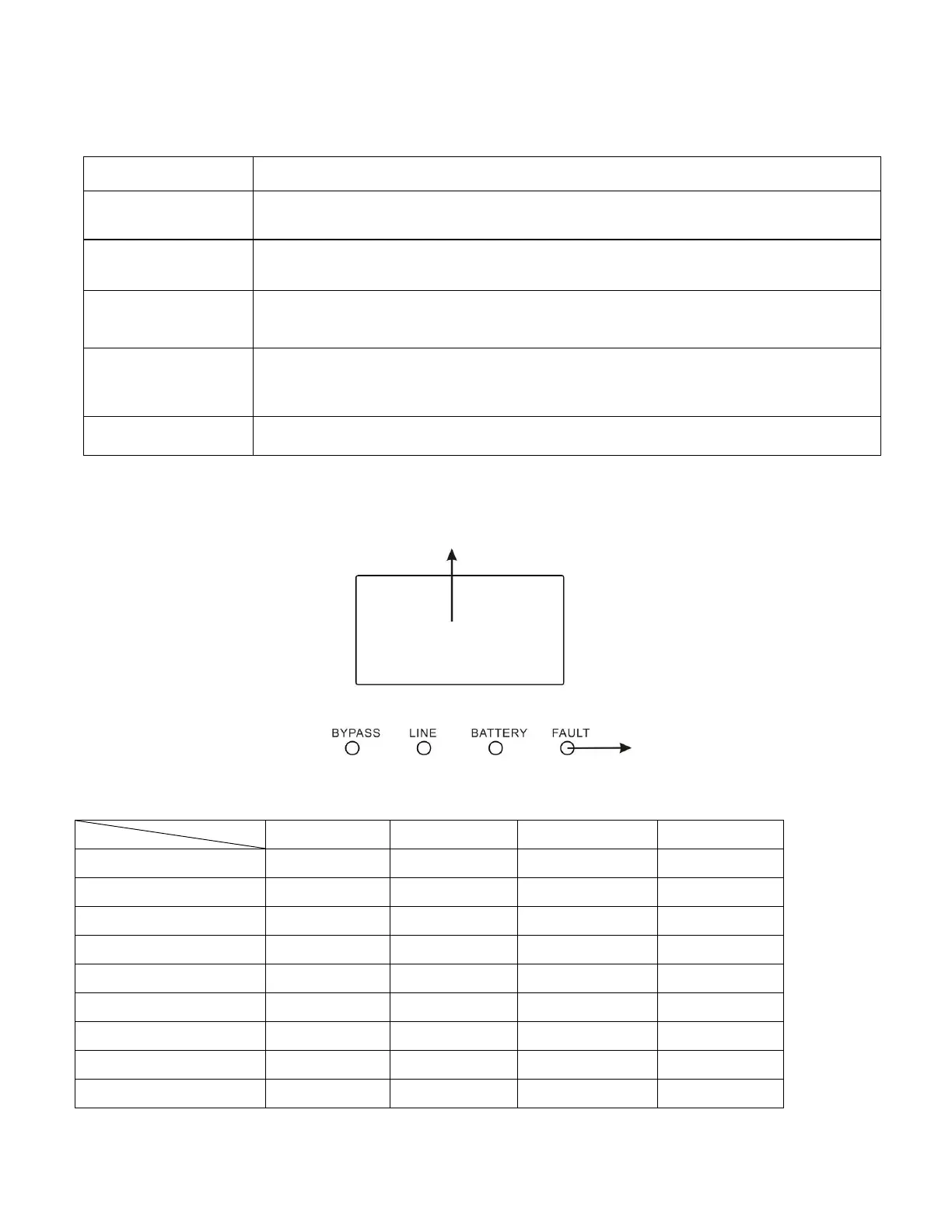
3-2. LED Indicators and LCD Panel
LED Indicators:
There are 4 LEDs on front panel to show the UPS working status:
Note: ● means LED is lighting, and ○ means LED is faded.







 To Next Page