Vertiv I Liebert Air Cooled Condenser I User Manual 21
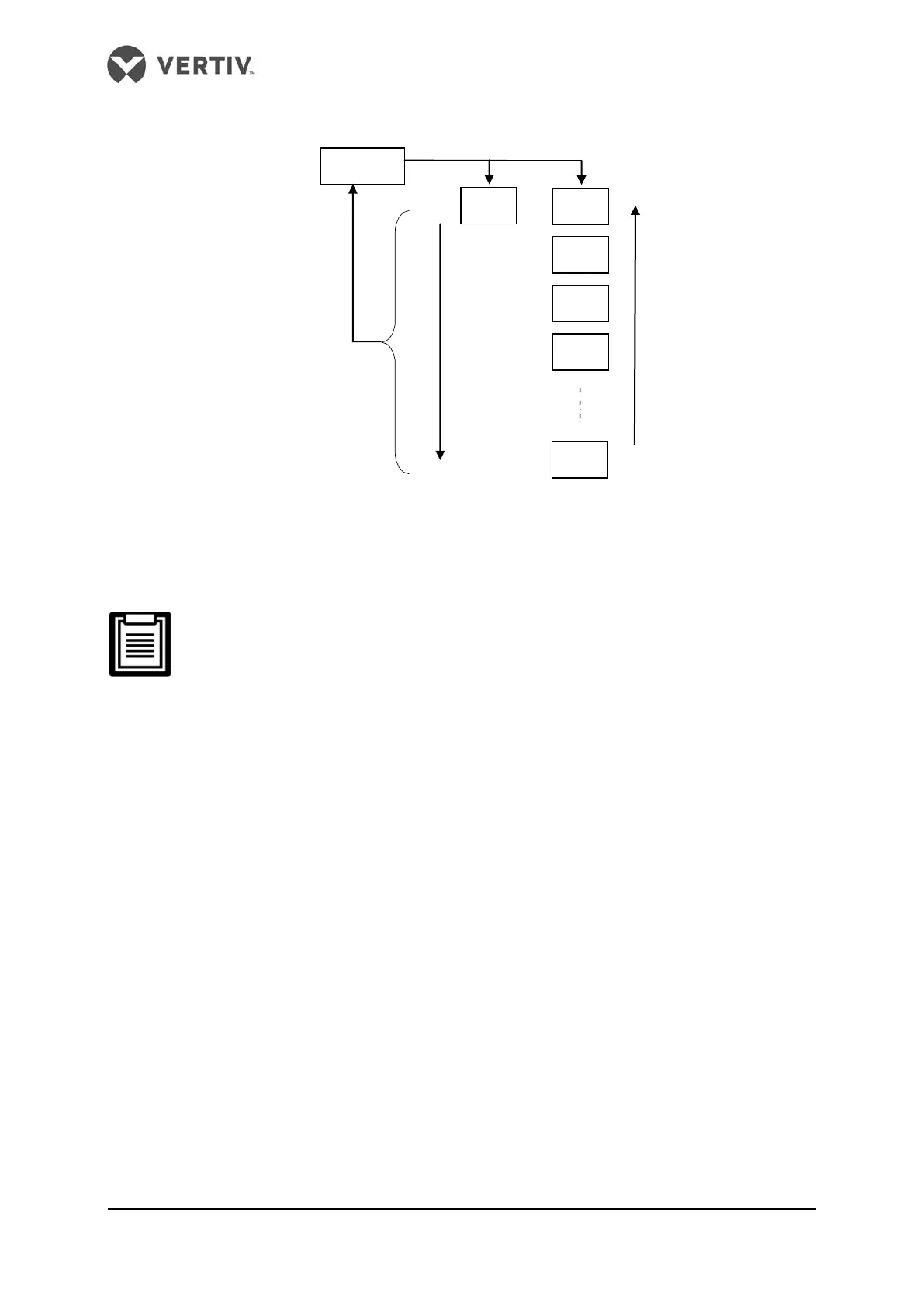
Figure 3-7 Switching operation processes and orders of the historical main menu
Configuration data main menu interface
The configuration data main menu interface is designed only for maintenance
personnel to set parameters, others are prohibited to operate it.
Press the ENT key to enter the configuration data submenu interface when the current main
menu interface sho
ws ‘C--’ (the symbol of configuration data main menu). The switching
operation processes and orders of the configuration data main menu are shown in Figure
3-8. and the configuration main menu interface ID significances are shown in Table 3-6.
Historical alarm main menu interface



 To Next Page