Vertiv I Liebert Air Cooled Condenser I User Manual 20
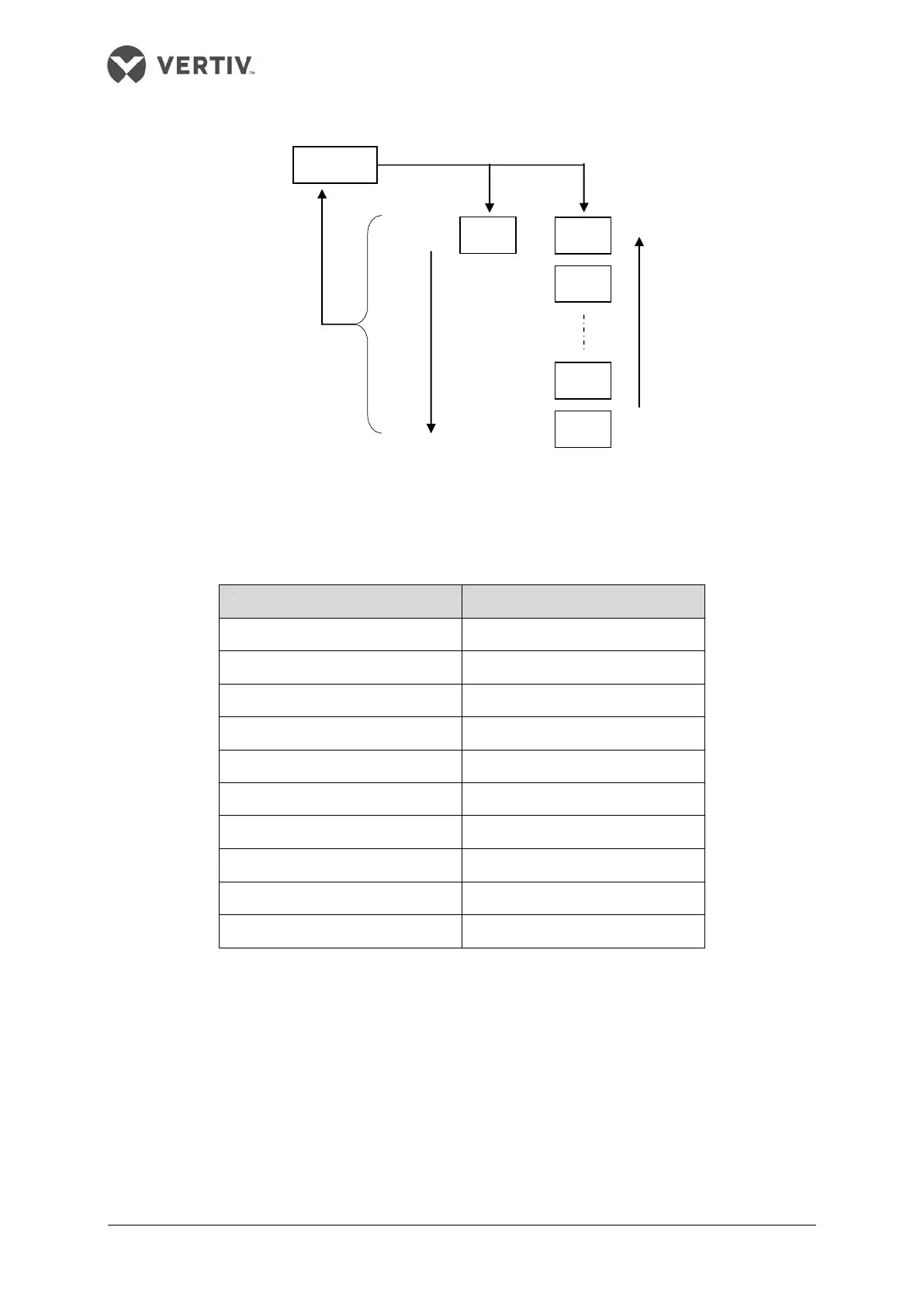
Figure 3-6 Switching operation processes and orders of the current alarm submenu
Table 3-5 Current alarm main menu ID significances
Alarm name Alarm number ID
phase loss alarm 00
PIM over temperature 01
fan 1 over temperature 02
fan 2 over temperature 03
fan 1 over temperature locked 04
fan 2 over temperature locked 05
pressure sensor failure 06
EEPROM read fault alarm 07
hardware over current 08
bus over voltage 09
Historical alarm main menu interface
Press the ENT key to enter the historical alarm submenu interface when the current main
menu interface shows ‘H--’ (the symbol of historical main menu). The switching operation
processes and orders of the historical main menu are shown in Figure 3-7.
menu interface



 To Next Page