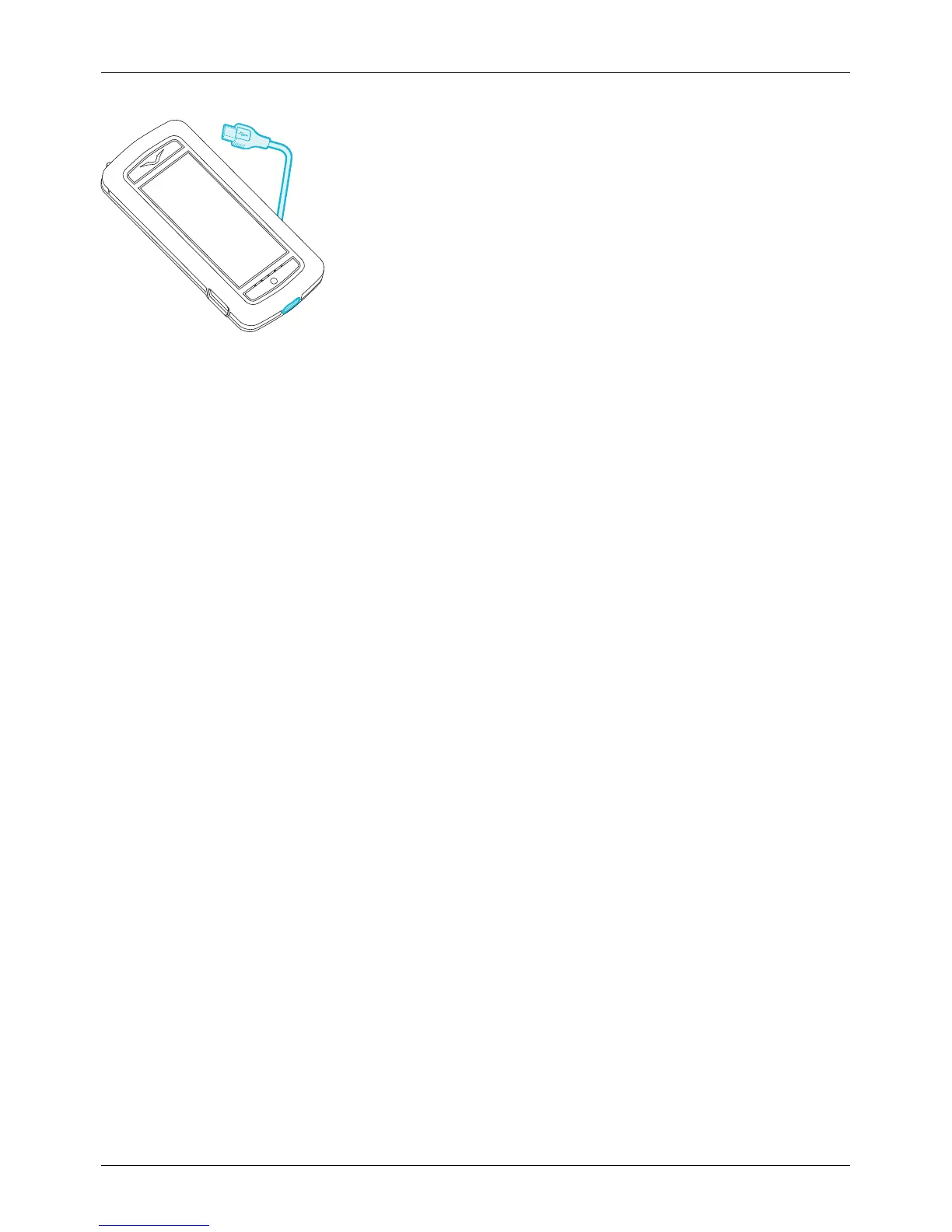
Charge the battery over USB
You can also charge your phone by connecting it to your computer using the USB cable.
Note: Your phone charges quicker when connected to the wall charger.
Extend battery life
For tips on how to extend battery life, see "Extend battery life" on page 61.
Switch the phone on or off
Switch on: Press and hold the Power key until the phone vibrates.
Switch off: Press and hold the Power key, and then touch Power off.
In the unlikely event that your phone stops responding, reboot it. To reboot, press and hold the Power and
Volume Down keys, at the same time, until the phone vibrates. This takes approximately 10 seconds.
Note: Always remember to power off your phone before removing and inserting a SIM card. This action will
ensure that your network connectivity is restored.
Getting started
© 2013 Vertu Corporation Limited. All rights reserved. 14















 To Next Page