Accessories
Battery charger
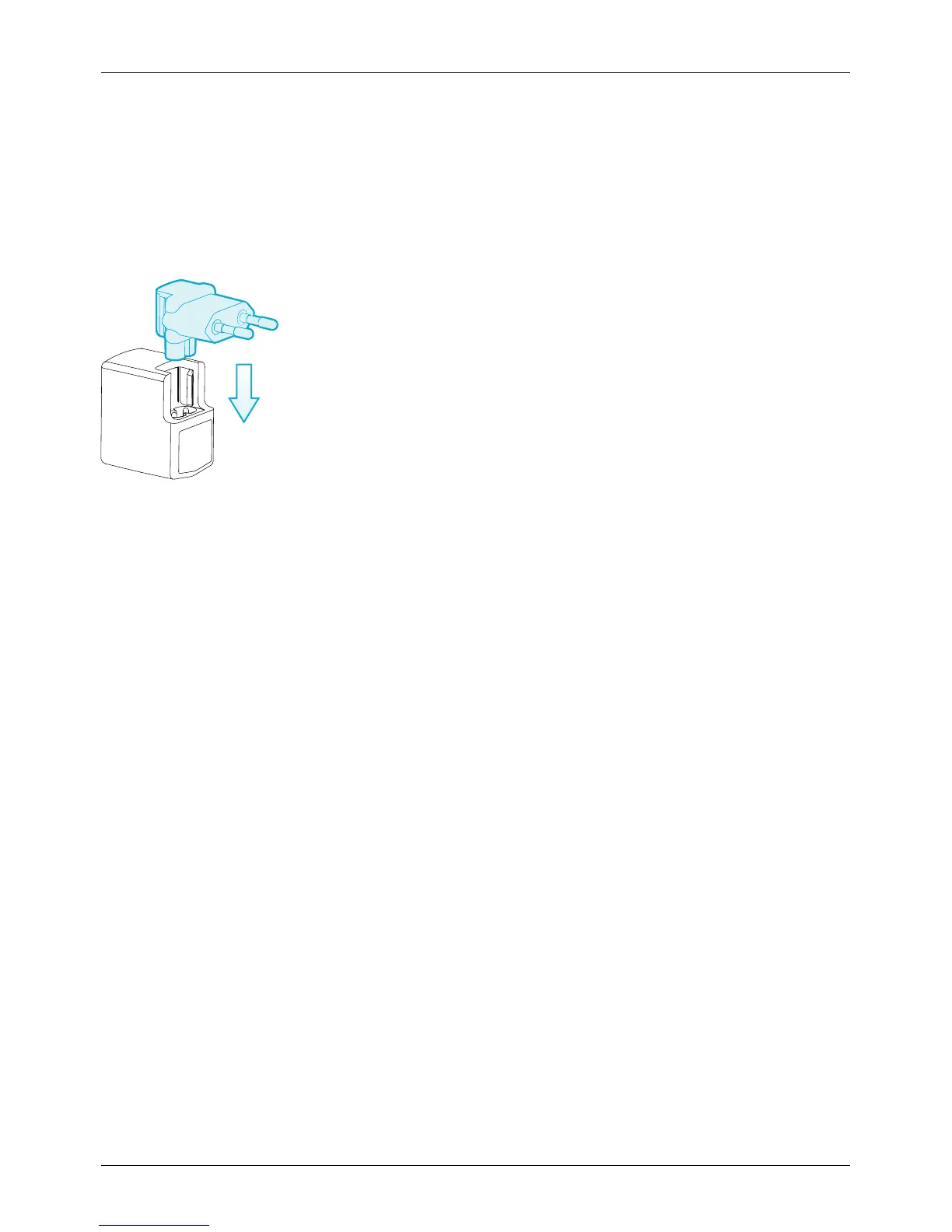
The wall charger supplied with your phone should be suitable for your region. However, you should always
check that the electrical rating of the AC outlet is appropriate for the charger before you attempt to plug it in.
The battery for your VERTU Ti requires charging at regular intervals. The battery does not have to be
completely discharged before you can charge it.
For information on how to charge your phone, see "Charge the phone" on page 13.
Only applicable for safe use in regions at an altitude below 2000 m.
Other charging options
You can also charge the battery by using:
l
A compatible PC (this method also provides data connectivity)
l
Vertu Portable Power pack (see "Vertu Portable Power pack" on page69)
l
Vehicle charger (see "Vehicle charger" on page68)
Data cable
The USB data cable enables you to transfer data between your VERTU Ti phone and a compatible
computer.
Note: Three microUSB cables are supplied: two microUSB cables 1200 mm (CA-209DV) and one
microUSB cable 250 mm (CA-210DV).
1. Connect the USB data cable to the microUSB connector of your VERTU Ti. Make sure the cable is
inserted correctly, with the USB symbol facing up.
Accessories
© 2013 Vertu Corporation Limited. All rights reserved. 67















 To Next Page