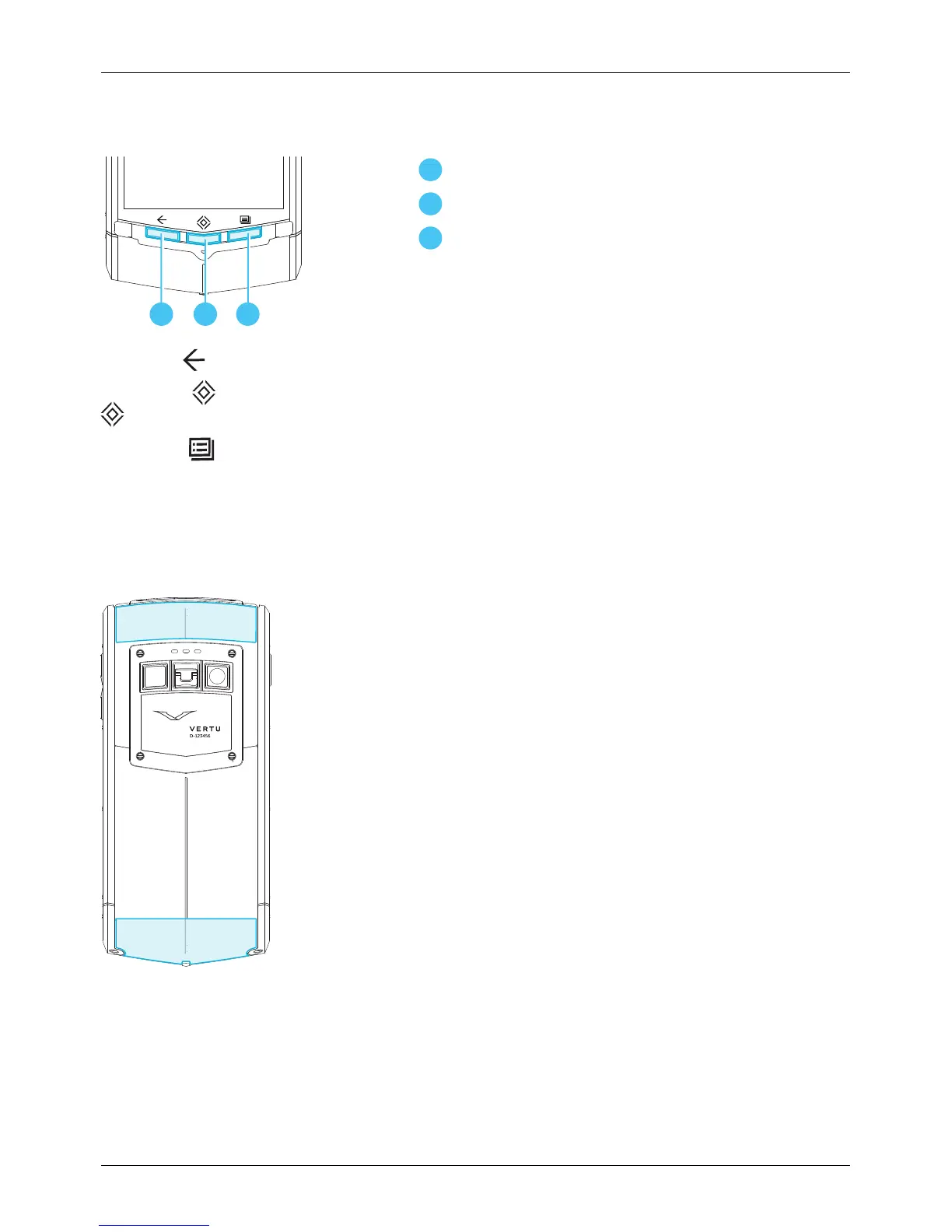
Menu key
Press Back to go back to your previous screen.
Press Home to move an app to the background and return to the home screen. Press and hold Home
to see a list of recent apps.
Press Menu to open the options of the app you are currently using.
Antenna locations
Avoid touching the antenna areas while the antennas are in use. Contact with antennas affects the
communication quality and may reduce battery life due to higher power levels during operation.
Your phone
© 2013 Vertu Corporation Limited. All rights reserved. 9















 To Next Page