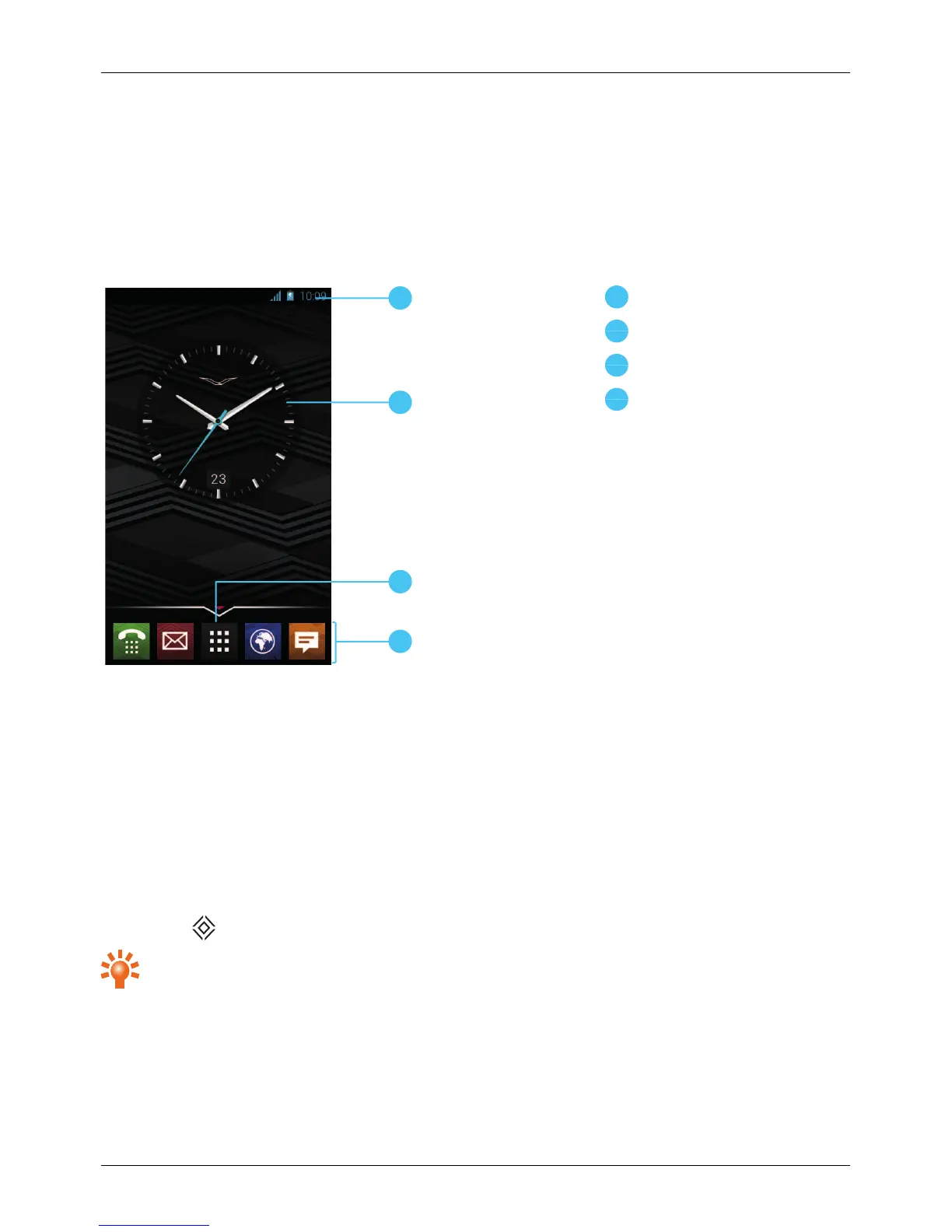
Favourites tray
Status and notification bar
Status information, such as time, network signal strength and battery level indicator, is displayed at the top
right of the screen.
Any notifications, such as new messages or calendar appointments, are displayed in the top left of the
screen. To see your notifications, touch the bar and drag down. Touch a notification to open it.
You can also quickly control your WLAN, Bluetooth, GPS, mobile data, USB connectivity and display
options from the status and notification bar.
Press Home to close the status notification bar.
Tip: Flick the notification left or right to clear it from the list.
Explore
© 2013 Vertu Corporation Limited. All rights reserved. 18















 To Next Page