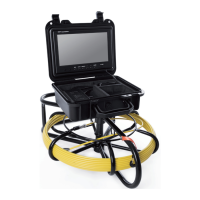
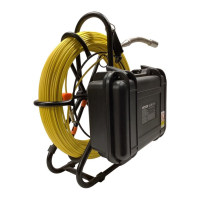
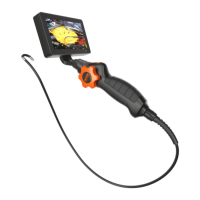
04
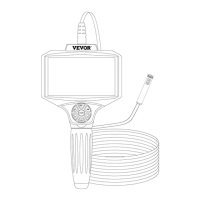
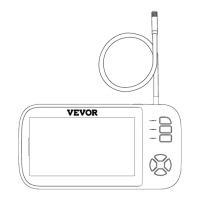
Camera
Cable
Settings button
Light adjustment
Reset button hole
Micro TF card slot
Charging indicator Unlock switch
4.5 inch IPS screen
Back button
Down
OK
Up and rotate
Take pictures
DC 5V/1A charging po
(2) Function Introduction
1. Micro TF card slot: Suppos up to 32GB Micro TF card,
Only suppos TF cards with class 10 or higher FAT32
format( equipped with this product ).
2. Micro po: 5V/1A power supply.
3. Power button: Long press for 3 seconds to turn on or o
the device.
4. Photo button: Sho press to take a photo.
5. Video button: Long press to sta recording, press again to
stop recording.
6. Setting button: Sho press to enter the menu page, where
you can set the Resolution / Language settings /
Date&time / Date label / Brightness / Screen protector /
Automatic shut-down / Format / Default settings / Version.
7. Up button: Image mode is a rotation function.
Other modes are left or up movement.
8. OK button: Sho press to conrm.
9. Back button: Sho press to return to the previous menu.
10. LED brightness adjustment button: Camera rightness is
divided into three levels.
11. Indicator light: The charging indicator light is always on
and the light becomes green when fully charged.


 To Next Page