06
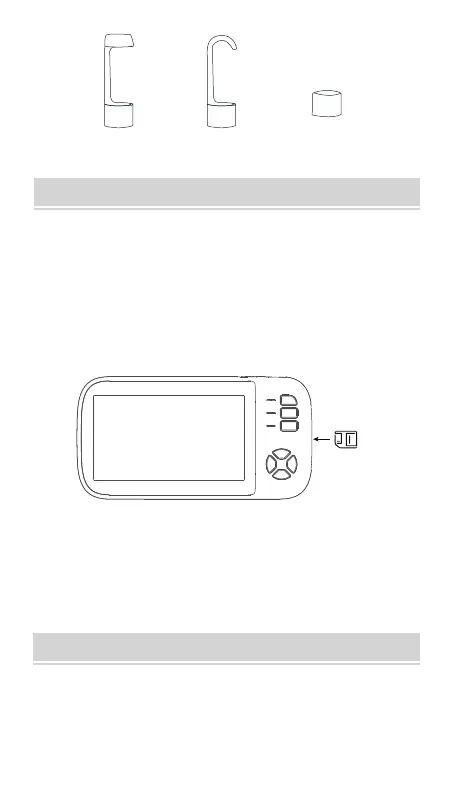
Magnet Hook
Protective
cap
STEPS FOR USAGE
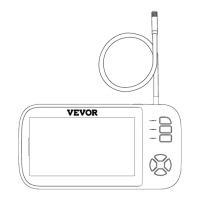
(1) Basic Operation
1. Inse the Micro TF card (not equipped with this unit) into
the Micro TF card slot; Press gently until the card is locked
(note: the class 10 Micro TF card must be inseed to
record and store pictures and videos). To prevent data
loss or damage, power o the device before inseing or
removing the memo card
2. When turning it on, press the LED brightness adjustment
button to adjust the brightness of the camera.
TF card
3. Sho press the camera button to take a photo, long press
the video button to record.
STEPS FOR USAGE
When the batte is low, inse the miniature end of the data
cable into the charging po at the bottom of the fuselage,
and then plug the other end of the power adapter into the
standard AC outlet.


 To Next Page